Apple iPads have become much more than just entertainment devices. With powerful Apple Silicon processors, support for the Apple Pencil and Magic Keyboard, and a growing range of productivity apps, iPads are now used for studying, business, graphic design, note-taking, digital art, and even video editing.
However, choosing the right iPad can be challenging. Apple offers several models, each designed for different users and budgets.
Whether you’re a student looking for a reliable study companion, a business professional needing a portable productivity device, or a creative professional seeking powerful performance, this guide will help you choose the perfect iPad.
Why Choose an Apple iPad?
Apple iPads combine portability, performance, and simplicity into one powerful device.
Some of the biggest advantages include:
- Lightweight and portable
- Long battery life
- Smooth iPadOS experience
- Excellent display quality
- Apple Pencil compatibility
- Powerful Apple processors
- Strong app ecosystem
- Long software support
These features make iPads suitable for both personal and professional use.
Apple’s iPad Lineup
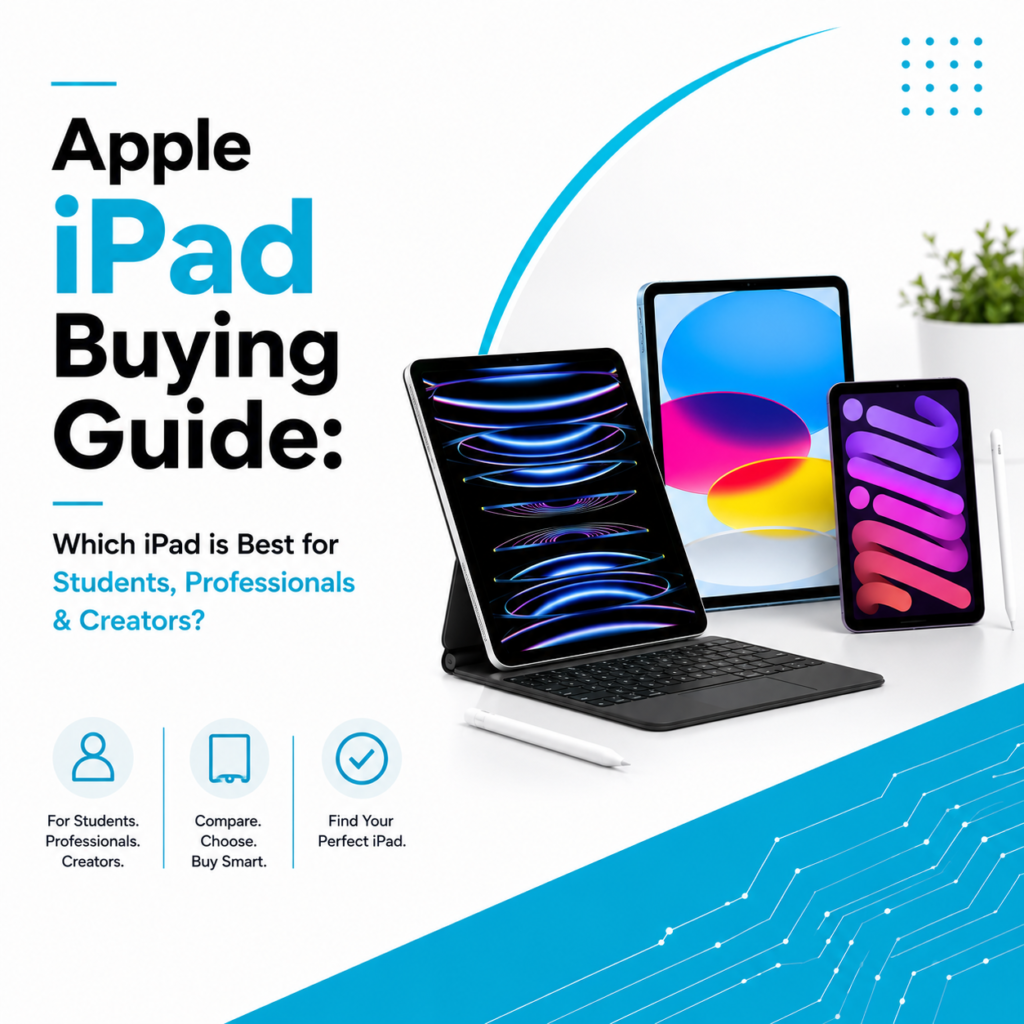
Apple currently offers four major iPad models:
- iPad
- iPad mini
- iPad Air
- iPad Pro
Each serves a different purpose depending on your workload and budget.
Apple iPad – The Everyday Choice
The standard iPad is designed for everyday users who need a reliable tablet for learning, browsing, entertainment, and basic productivity.
Best For
- Students
- Families
- Everyday users
- Online learning
- Casual office work
Benefits
- Affordable pricing
- Easy to use
- Good performance
- Excellent battery life
- Perfect for note-taking and media consumption
If your needs include studying, browsing, video calls, and light productivity, the standard iPad is an excellent choice.
Apple iPad mini – Compact Yet Powerful
The iPad mini offers powerful performance in a compact size.
Best For
- Frequent travelers
- Healthcare professionals
- Field workers
- Readers
- Business executives
Benefits
- Extremely portable
- Comfortable one-hand usage
- Apple Pencil support
- Fast performance
- Easy to carry anywhere
Despite its smaller size, it delivers impressive performance for daily work.
Apple iPad Air – The Perfect Balance
The iPad Air bridges the gap between affordability and professional performance.
Best For
- College students
- Working professionals
- Designers
- Content creators
- Small business owners
Benefits
- Apple Silicon processor
- Lightweight design
- Large display
- Excellent multitasking
- Supports Apple Pencil Pro and Magic Keyboard
For most users, the iPad Air offers the best balance of price and performance.
Apple iPad Pro – Built for Professionals
The iPad Pro is Apple’s most advanced tablet.
Best For
- Graphic designers
- Video editors
- Architects
- Digital artists
- Photographers
- Creative professionals
Benefits
- Professional-grade performance
- Stunning display
- Advanced Apple Pencil features
- Desktop-level multitasking
- High-speed connectivity
It is ideal for users who demand maximum performance from a portable device.
Which iPad is Best for Students?
Students generally need an iPad for:
- Online classes
- Digital note-taking
- Research
- Assignments
- Reading eBooks
- Video lectures
The standard iPad offers excellent value, while the iPad Air is a better option for students studying design, engineering, or creative fields.
Best iPad for Business Professionals
Professionals need devices that improve productivity without adding weight to their daily commute.
An iPad can help with:
- Presentations
- Emails
- Video meetings
- Document editing
- Project management
- Client communication
The iPad Air is suitable for most business professionals, while executives and power users may prefer the iPad Pro.
Best iPad for Designers & Content Creators
Creative professionals often require:
- High-resolution displays
- Precision drawing
- Fast rendering
- Video editing
- Photo editing
The iPad Pro, paired with the Apple Pencil Pro, provides one of the best portable creative workstations available today.
Things to Consider Before Buying an iPad
1. Choose the Right Screen Size
Think about how you’ll use your iPad.
Smaller displays are easier to carry, while larger displays are better for multitasking, designing, and watching content.
2. Select the Right Storage
Apple offers different storage capacities.
Choose based on your usage:
- Documents and browsing
- Photos and videos
- Creative projects
- Business files
If you plan to store large files offline, consider higher storage options.
3. Decide if You Need Apple Pencil Support
Many users purchase an iPad specifically for handwriting, drawing, or designing.
Apple Pencil is useful for:
- Students taking notes
- Artists creating illustrations
- Architects
- Designers
- Business presentations
Always check which Apple Pencil version is compatible with your chosen iPad.
4. Consider a Keyboard
If you plan to replace your laptop for light work, pairing your iPad with a keyboard can significantly improve productivity.
It becomes ideal for:
- Typing documents
- Emails
- Office work
- Presentations
5. Wi-Fi or Cellular?
Apple offers both Wi-Fi and Wi-Fi + Cellular models.
Choose Wi-Fi if you mainly work from home, school, or the office.
Cellular models are better for users who frequently travel or work remotely.
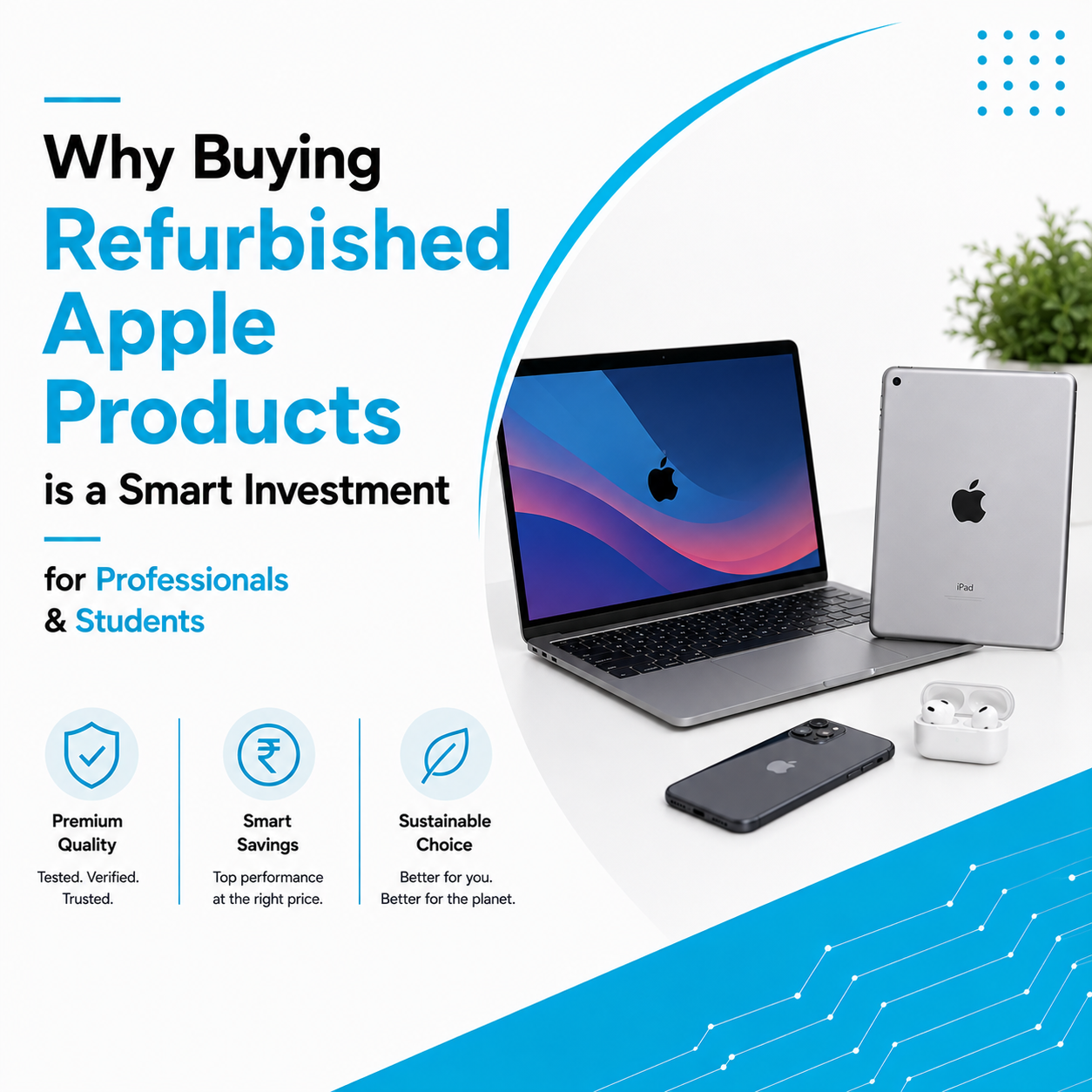
Benefits of Buying a Refurbished Apple iPad
Professionally refurbished iPads offer an affordable way to experience Apple’s ecosystem.
Benefits include:
- Lower purchase cost
- Thorough quality testing
- Reliable performance
- Better value for money
- Sustainable technology choice
A trusted refurbishment process ensures the device is fully inspected and ready for everyday use.
Find the Right Apple iPad at Laptop Hub
At Laptop Hub, we help customers choose the ideal Apple iPad based on their education, business, or creative requirements.
Whether you’re looking for a new or professionally refurbished iPad, our team provides expert guidance to help you find the right model within your budget.
With quality-tested devices and dependable customer support, Laptop Hub makes investing in an Apple iPad simple and stress-free.
Frequently Asked Questions (FAQs)
1. Which iPad is best for students?
The standard iPad is ideal for most students, while the iPad Air is better for higher education and creative courses.
2. Is the iPad Air worth buying?
Yes. The iPad Air offers excellent performance, portability, and productivity, making it suitable for both students and professionals.
3. Which iPad is best for graphic designers?
The iPad Pro is the best choice for designers because of its powerful processor, advanced display, and Apple Pencil support.
4. Can an iPad replace a laptop?
For many users, an iPad with a keyboard and Apple Pencil can handle everyday productivity tasks such as emails, documents, presentations, and meetings.
5. Is buying a refurbished iPad a good option?
Yes. A professionally refurbished iPad can provide reliable performance and excellent value when purchased from a trusted supplier.