Buying a laptop is an important decision, whether it is for office work, education, business, or personal use. While new laptops can be expensive, refurbished laptops offer a smart alternative by providing reliable performance at a more affordable price.
However, choosing the right refurbished laptop requires proper understanding. Not every second-hand device offers the same quality, which is why checking important factors before purchasing is necessary.
A professionally refurbished laptop can deliver excellent value when it has been properly inspected, repaired, upgraded, and tested.
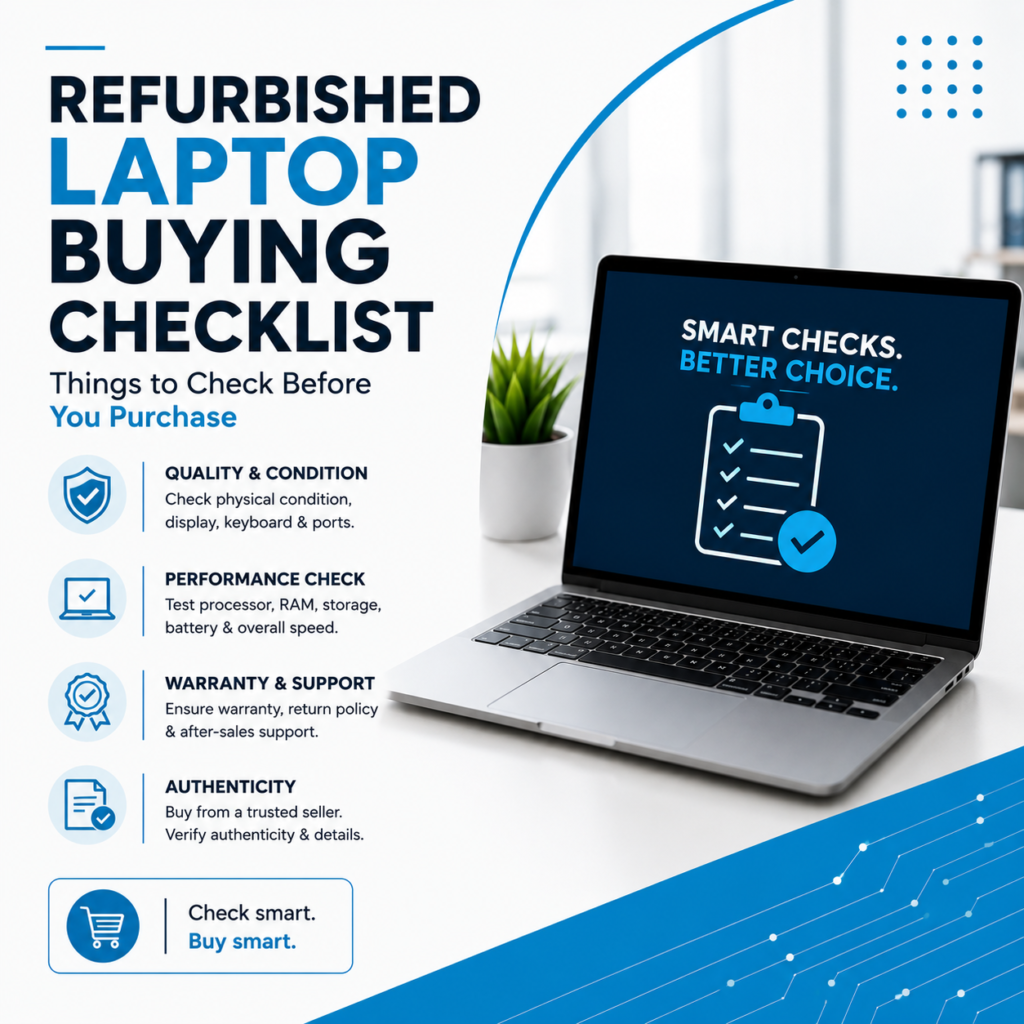
Here is a complete checklist to follow before buying a refurbished laptop.
What Makes a Refurbished Laptop Different?
A refurbished laptop is not just a previously used laptop.
It goes through a professional restoration process where technicians:
- Inspect hardware condition
- Repair damaged parts
- Replace faulty components
- Upgrade performance
- Install necessary software
- Perform quality testing
This process makes refurbished laptops more dependable compared to ordinary used laptops.
Complete Refurbished Laptop Buying Checklist
1. Check the Processor & Performance Requirements
The processor is the main component responsible for laptop performance.
Before purchasing, check:
- Processor model
- Processor generation
- Speed capability
- Compatibility with your work
Your requirement should decide the specifications.
For example:
- Basic office work → Standard processor
- Multitasking → Higher processor with more RAM
- Designing/software work → Higher configuration laptop
Choosing the right specifications ensures better long-term usage.
2. Verify RAM Capacity
RAM plays an important role in multitasking and speed.
Before buying a refurbished laptop, check whether the RAM is suitable for your needs.
Common requirements:
- Normal browsing & documents
- Office applications
- Professional software
- Multiple applications running together
Also check if future RAM upgrades are possible.
3. Prefer SSD Storage for Better Speed
Storage affects laptop performance significantly.
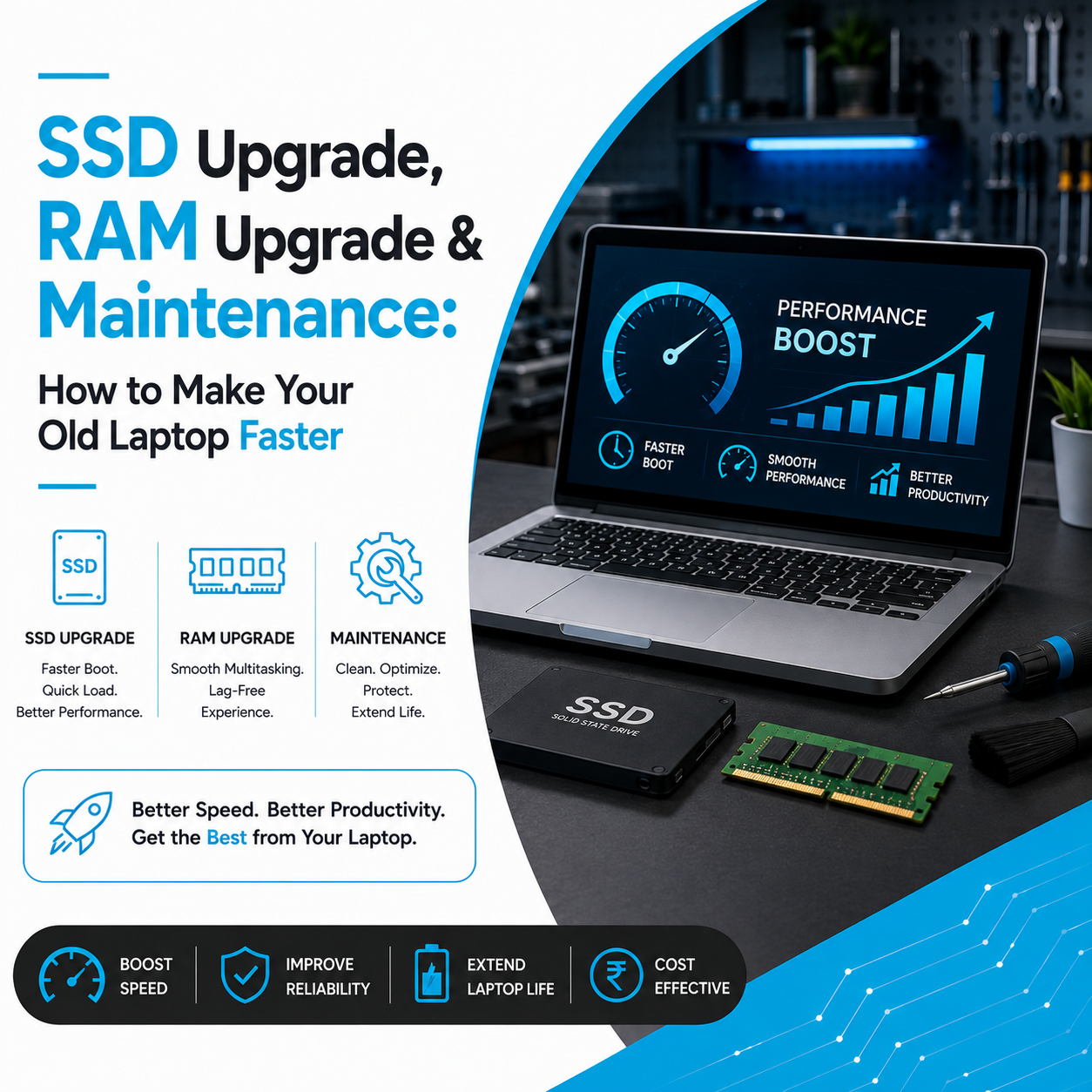
Compared to traditional hard drives, SSD storage provides:
- Faster startup
- Better application loading
- Smooth performance
- Improved reliability
A refurbished laptop with an SSD upgrade can perform much faster than older systems.
4. Check Battery Health
Battery performance reduces over years of usage.
Before buying, always check:
- Battery backup
- Charging performance
- Battery condition
- Power stability
A properly refurbished laptop should have tested battery performance.
5. Inspect Display Quality
The laptop display should be carefully checked.
Look for:
- Screen brightness
- Dead pixels
- Flickering issues
- Lines on display
- Physical damage
A good display improves overall working experience.
6. Test Keyboard, Touchpad & Ports
Small components affect daily usage.
Always verify:
- All keyboard keys
- Touchpad response
- USB ports
- Audio ports
- Charging port
- Connectivity options
Professional refurbishment includes checking these components before sale.
7. Check Physical Condition
The laptop body condition gives an idea about previous usage.
Inspect:
- Hinges
- Laptop body
- Screen frame
- Cooling vents
- External damage
Minor cosmetic marks may exist, but functionality should not be affected.
8. Confirm Software & System Health
A properly prepared refurbished laptop should have:
- Clean operating system installation
- Updated drivers
- Optimized settings
- Proper functionality testing
This ensures the laptop is ready to use.
9. Buy From a Trusted Refurbished Laptop Provider
The seller plays a major role in your buying experience.
Choose a provider that offers:
✔ Professional testing
✔ Technical support
✔ Quality checks
✔ Upgrade options
✔ Transparent information
Avoid purchasing untested laptops only based on low prices.
Who Should Buy Refurbished Laptops?
Refurbished laptops are ideal for:
- Students
- Working professionals
- Business owners
- Startups
- Remote employees
- Corporate teams
They provide a practical balance between performance and affordability.
Advantages of Buying a Quality Refurbished Laptop
A properly refurbished device provides:
✅ Better value for money
✅ Reliable performance
✅ Lower investment cost
✅ Upgrade flexibility
✅ Environment-friendly choice
✅ Professional quality assurance
Choosing wisely helps you get maximum benefits.
Find Quality Refurbished Laptops at Laptop Hub
At Laptop Hub, we provide professionally refurbished laptops that undergo detailed inspection, repair, upgrade, and quality testing.
Our focus is to deliver dependable laptop solutions for students, professionals, businesses, and organizations.
Get the performance you need with a smarter and more affordable technology choice.
FAQs
1. What should I check before buying a refurbished laptop?
Check processor, RAM, storage, battery health, display quality, ports, and seller reliability before buying.
2. Are refurbished laptops good for long-term use?
Yes. Professionally refurbished laptops can provide reliable long-term performance with proper maintenance.
3. Is an SSD important in a refurbished laptop?
Yes. SSD storage improves laptop speed, startup time, and overall performance.
4. Who should purchase refurbished laptops?
Students, professionals, businesses, and budget-conscious users can benefit from refurbished laptops.