Technology plays a vital role in every successful business. Whether your employees work from the office, remotely, or in a hybrid environment, providing the right laptops directly impacts productivity, collaboration, and overall business efficiency.
However, purchasing laptops for an entire organization isn’t as simple as buying the latest models. Every department has different performance requirements, and choosing the wrong devices can lead to unnecessary expenses or reduced productivity.
This guide explains how businesses can select the right corporate laptops based on employee roles, workload, budget, and future growth.
Why Choosing the Right Corporate Laptop Matters
A laptop is one of the most important tools employees use every day.
The right corporate laptop helps businesses:
- Improve employee productivity
- Reduce IT support issues
- Lower long-term maintenance costs
- Enhance security
- Support business growth
- Maximize return on investment
Choosing laptops strategically ensures employees have the tools they need without overspending.
Step 1: Understand Your Business Requirements
Before purchasing laptops, identify how each department uses technology.
For example:
Administration & HR
Typical work includes:
- Emails
- Microsoft Office
- Payroll software
- HR management
- Video meetings
These users usually require reliable mid-range laptops.
Sales & Marketing Teams
Sales professionals often work outside the office.
They need laptops that offer:
- Lightweight design
- Long battery life
- Fast performance
- Reliable connectivity
Portability becomes a key factor.
Finance Department
Finance teams regularly work with:
- Large Excel sheets
- Accounting software
- ERP solutions
- Reporting tools
They benefit from faster processors, sufficient RAM, and SSD storage for smooth multitasking.
Designers & Creative Teams
Creative professionals use demanding applications like:
- Adobe Photoshop
- Illustrator
- Premiere Pro
- AutoCAD
- Blender
These employees require high-performance laptops with dedicated graphics, powerful processors, and higher RAM.
Developers & IT Teams
Software developers often run:
- Virtual machines
- IDEs
- Databases
- Development environments
- Testing tools
High-performance laptops with additional memory and storage are recommended for technical teams.
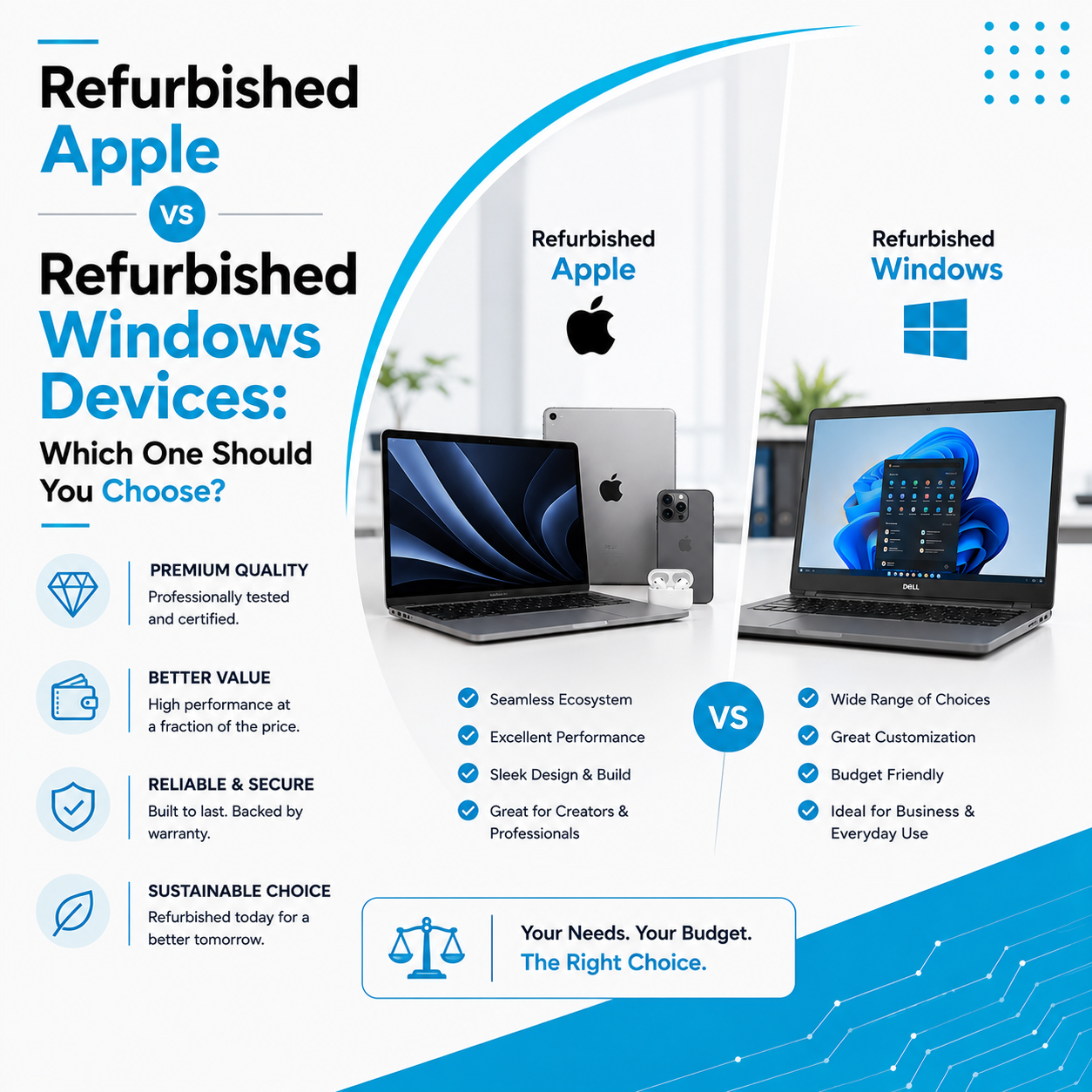
Step 2: Decide Between Windows and Apple
Every business has different software requirements.
Windows Laptops
Suitable for:
- Most business software
- ERP systems
- Accounting applications
- Engineering software
- Office productivity
Popular brands include:
- Dell
- HP
- Lenovo
- ASUS
Apple MacBooks
Best suited for:
- Designers
- Developers
- Marketing professionals
- Video editors
- Creative agencies
MacBooks offer premium build quality, excellent battery life, and outstanding performance.
Step 3: Choose the Right Specifications
Instead of purchasing the same laptop for every employee, choose specifications based on job responsibilities.
Entry-Level Office Users
Recommended:
- Intel Core i5 / Ryzen 5
- 8GB RAM
- 256GB SSD
Mid-Level Professionals
Recommended:
- Intel Core i7 / Ryzen 7
- 16GB RAM
- 512GB SSD
High-Performance Users
Recommended:
- Intel Core i7/i9
- Ryzen 7/9
- Dedicated Graphics
- 16GB–32GB RAM
- 1TB SSD
Matching hardware with workload helps optimize costs.
Step 4: Consider Future Business Growth
Businesses rarely remain the same size forever.
When purchasing laptops, consider:
- New employee hiring
- Department expansion
- Future software requirements
- Remote work adoption
Choosing scalable hardware reduces replacement costs in the future.
Step 5: Security Should Be a Priority
Corporate laptops often store sensitive business information.
Important security features include:
- Fingerprint authentication
- Device encryption
- BIOS security
- Password protection
- Secure boot
Strong security reduces the risk of data breaches and protects company information.
Step 6: Battery Life and Portability
Employees frequently travel for meetings, conferences, and client visits.
Choose laptops with:
- Long battery life
- Lightweight design
- Durable construction
Portable devices improve employee flexibility and productivity.
Step 7: Bulk Purchasing Can Reduce Costs
Businesses purchasing multiple laptops can benefit from bulk buying.
Advantages include:
- Better pricing
- Consistent hardware configurations
- Easier IT management
- Simplified maintenance
- Faster deployment
Working with a trusted supplier also ensures consistent product quality and after-sales support.
Step 8: Should Businesses Buy New or Refurbished Laptops?
Many companies assume every employee needs a brand-new laptop, but that’s not always necessary.
Professionally refurbished laptops can be an excellent option for:
- Startups
- Training departments
- Temporary employees
- Administrative teams
- Growing businesses
Benefits of Refurbished Corporate Laptops
- Lower investment
- Reliable performance
- Professionally tested hardware
- Better budget management
- Sustainable IT solution
This allows businesses to equip larger teams while staying within budget.
Step 9: Don’t Forget After-Sales Support
Technology occasionally requires maintenance.
Before purchasing, ensure your supplier offers:
- Technical support
- Warranty options
- Repair services
- Hardware upgrades
- Spare part availability
Reliable after-sales support minimizes downtime and keeps your operations running smoothly.
Step 10: Partner with a Trusted Corporate Laptop Provider
Choosing the right supplier is just as important as choosing the right laptop.
A trusted partner can help you:
- Select the right configurations
- Manage bulk orders
- Recommend cost-effective solutions
- Provide ongoing technical support
- Assist with repairs and upgrades
This creates a long-term technology partnership rather than a one-time purchase.
Why Businesses Choose Laptop Hub
At Laptop Hub, we specialize in providing complete corporate laptop solutions for businesses of all sizes.
Our services include:
- Bulk laptop supply
- Business laptops
- Apple MacBooks
- Refurbished corporate laptops
- Laptop rentals
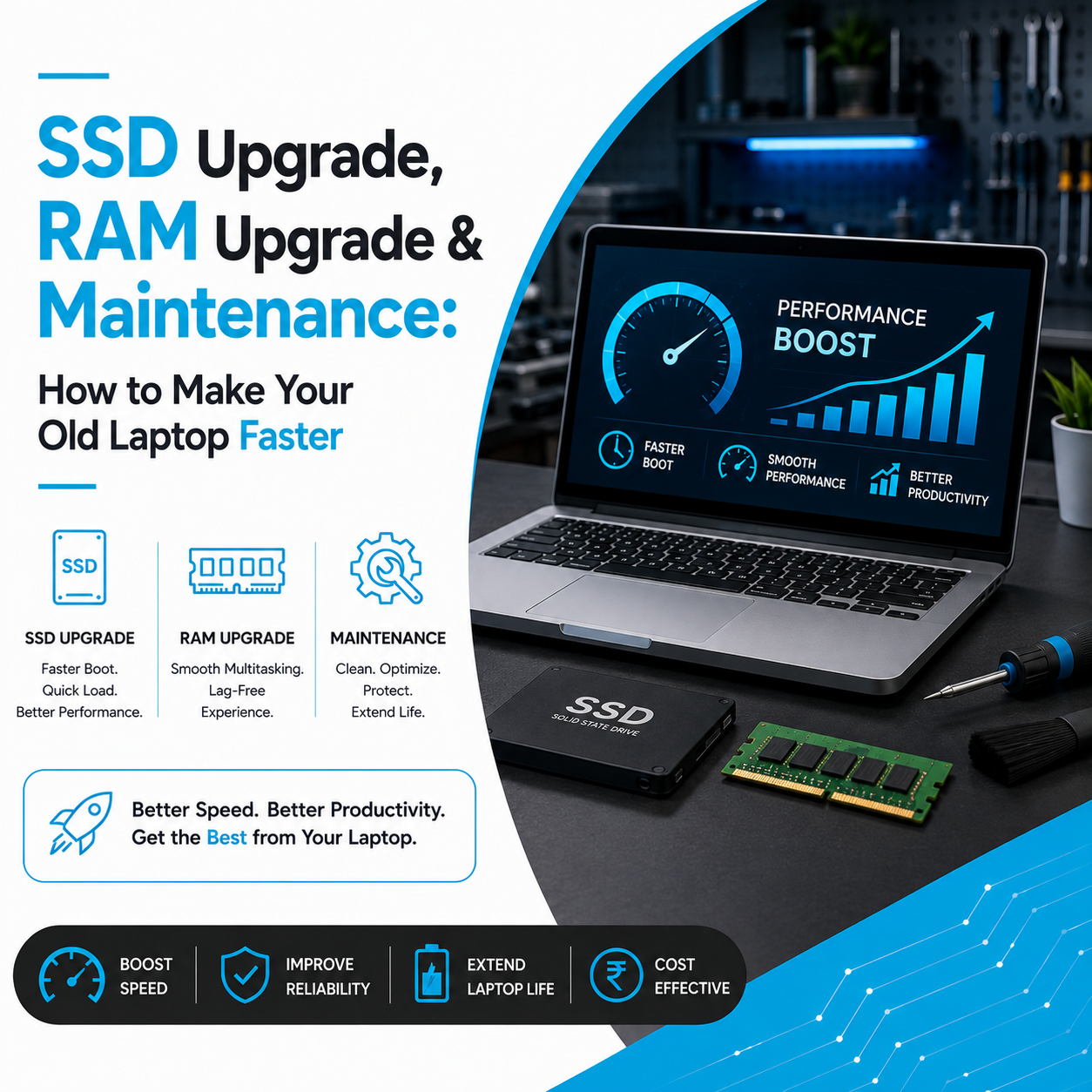
- SSD & RAM upgrades
- Repair and maintenance services
Whether you’re setting up a new office, expanding your workforce, or upgrading existing systems, our experts help you choose the right devices based on your business needs and budget.
Frequently Asked Questions (FAQs)
1. What specifications are best for office employees?
For most office users, an Intel Core i5 or AMD Ryzen 5 processor, 8GB–16GB RAM, and a 256GB or 512GB SSD provide excellent performance.
2. Should businesses buy refurbished laptops?
Yes. Professionally refurbished laptops are ideal for businesses looking to reduce IT costs while maintaining reliable performance.
3. Is it better to buy the same laptop for every employee?
Not always. Choosing laptops based on each employee’s role helps optimize performance and budget.
4. Which is better for businesses: Windows or MacBook?
It depends on your software requirements. Windows laptops are suitable for most business environments, while MacBooks are popular among creative professionals and developers.
5. Why should companies purchase laptops in bulk?
Bulk purchasing offers better pricing, standardized hardware, easier IT management, and consistent support across the organization.