Is your laptop becoming slower every day? Does it take too much time to start, open applications, or complete basic tasks?
Many users believe that a slow laptop means it is time to buy a new one. However, in many cases, your existing laptop can become faster with the right upgrades and maintenance.
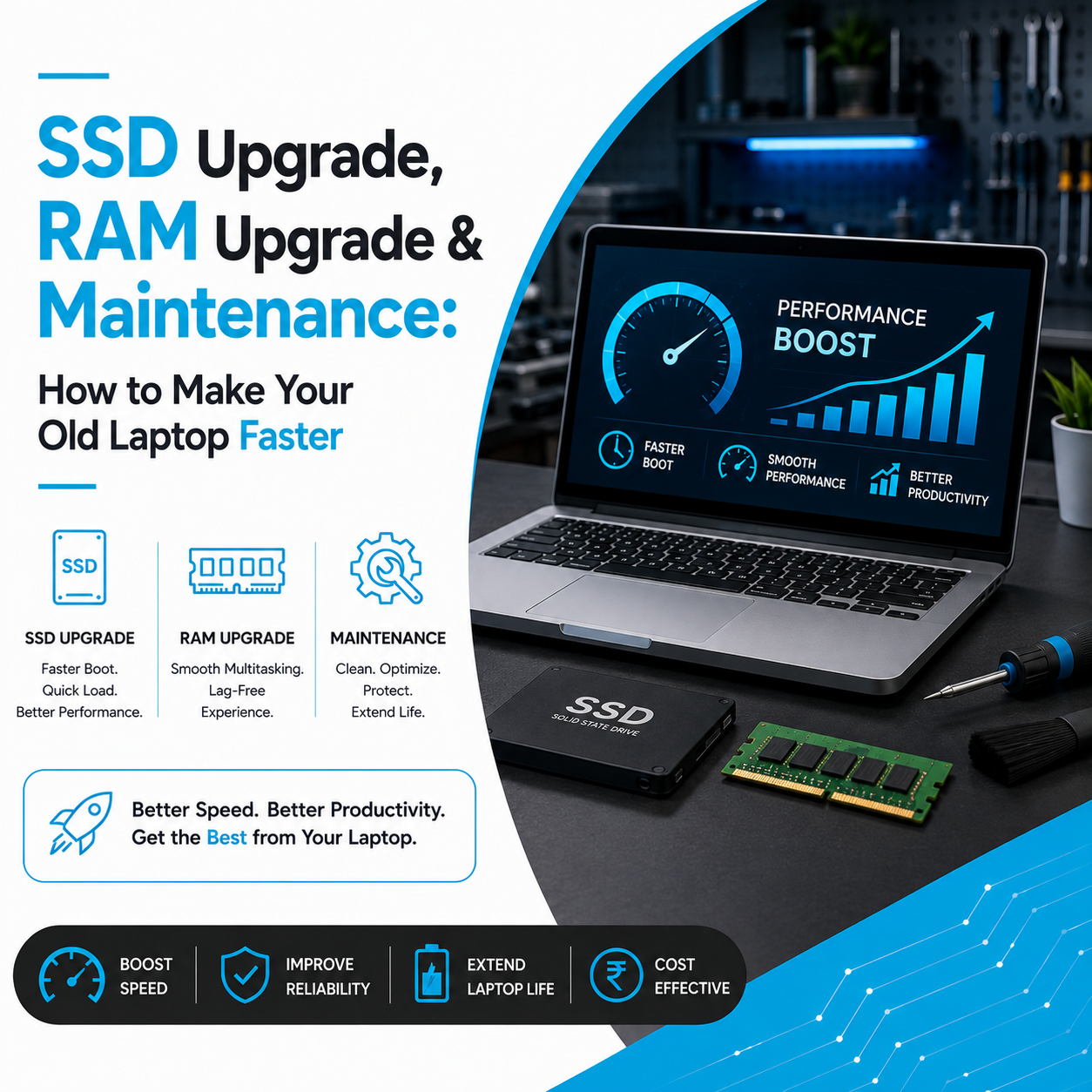
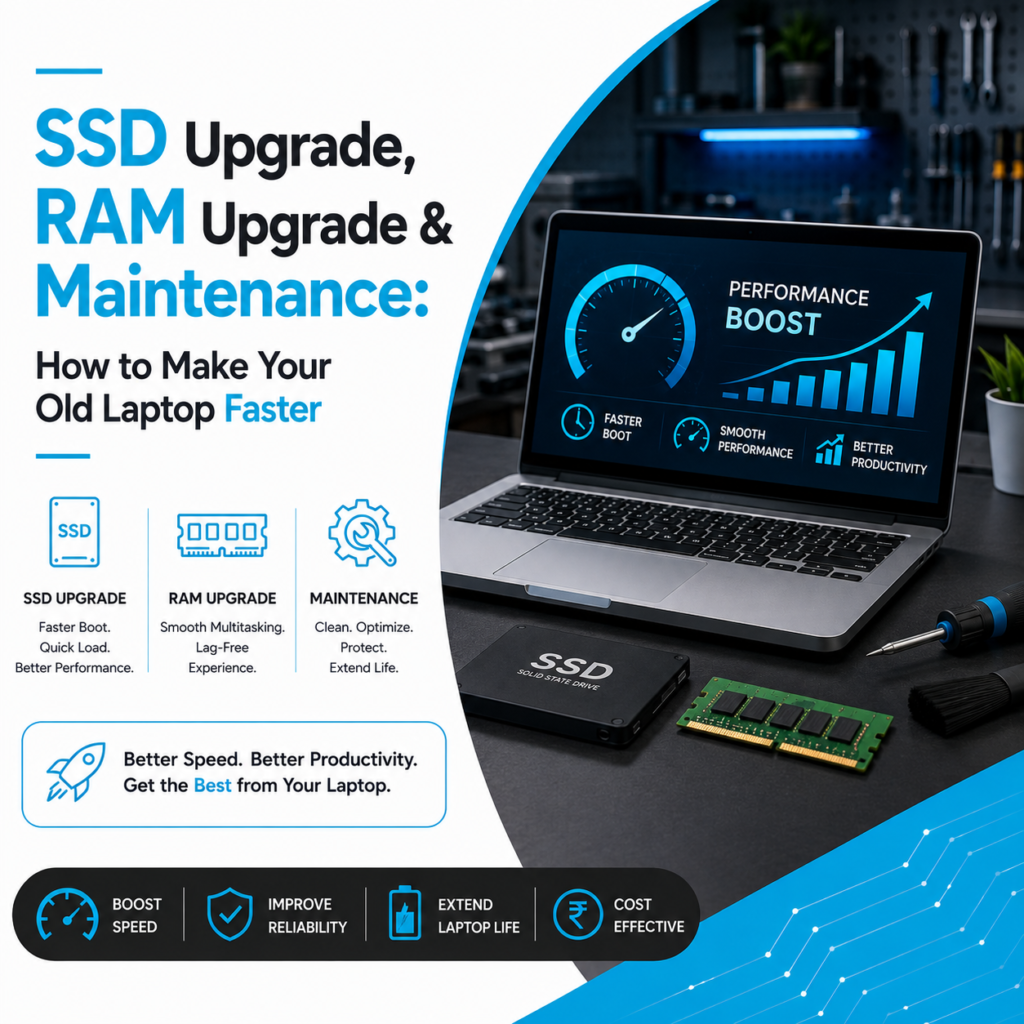
Simple improvements like an SSD upgrade, RAM upgrade, and professional laptop servicing can significantly improve performance and extend your laptop’s lifespan.
Before replacing your device, understanding upgrade options can help you save money and improve productivity.
Why Do Laptops Become Slow Over Time?
Laptop performance naturally reduces after continuous usage.
Common reasons include:
- Older storage technology
- Limited RAM capacity
- Too many background applications
- Unwanted files
- Software issues
- Heating problems
- Poor maintenance
Identifying the exact reason helps determine the best solution.
Upgrade Your Laptop with SSD for Faster Performance
What is an SSD Upgrade?
SSD (Solid State Drive) is a modern storage technology that replaces traditional hard drives.
Unlike older HDD storage, SSDs provide faster data access and smoother performance.
An SSD upgrade can improve:
- Startup speed
- File opening time
- Application loading
- Overall system response
It is one of the most effective ways to improve an older laptop.
Benefits of Installing an SSD in Your Laptop
1. Faster Laptop Startup
Older laptops with traditional hard drives often take several minutes to start.
An SSD upgrade allows the laptop to boot faster and become ready for work quickly.
2. Better Application Performance
Applications and software require storage access to operate smoothly.
SSD storage helps programs open faster and reduces waiting time during daily usage.
3. Improved Reliability
SSDs have no moving mechanical parts, making them more reliable compared to traditional hard drives.
They provide better durability and stable performance.
RAM Upgrade: Improve Multitasking Performance
What Does RAM Do?
RAM helps your laptop manage running applications and active tasks.
Low RAM can create problems like:
- System freezing
- Slow switching between applications
- Browser lag
- Software delays
Increasing RAM allows your laptop to handle more tasks efficiently.
Signs Your Laptop Needs a RAM Upgrade
Consider upgrading RAM if you experience:
✔ Laptop slowing during multitasking
✔ Applications taking longer to respond
✔ Browser freezing with multiple tabs
✔ Professional software running slowly
A RAM upgrade helps improve productivity and working experience.
Importance of Regular Laptop Maintenance
Hardware upgrades improve performance, but regular maintenance keeps your laptop healthy.
Professional maintenance includes:
- Internal cleaning
- Dust removal
- Cooling system check
- Software optimization
- Hardware inspection
Proper maintenance prevents future problems and increases laptop lifespan.
How Cleaning Helps Laptop Performance
Dust accumulation inside laptops can cause:
- Overheating
- Fan noise
- Performance drops
- Sudden shutdowns
Cleaning the internal components helps maintain better airflow and stable performance.
Upgrade vs Buying a New Laptop
Many users replace laptops because of slow performance.
However, upgrades are often better when:
- The laptop condition is good
- Only speed is the problem
- Hardware supports improvements
- Your usage requirements are unchanged
SSD and RAM upgrades can provide noticeable improvements at a much lower cost.
Benefits of Upgrading Your Existing Laptop
Professional laptop upgrades provide:
✅ Improved speed
✅ Better multitasking
✅ Lower cost than replacement
✅ Longer device lifespan
✅ Better productivity
✅ Reduced electronic waste
Upgrading helps you get more value from your existing laptop.
Who Should Consider Laptop Upgrade Services?
Laptop upgrades are useful for:
- Students
- Office employees
- Business owners
- Designers
- Developers
- Remote workers
- Corporate teams
Anyone facing slow laptop performance can benefit from proper upgrades.
Improve Your Laptop Performance with Laptop Hub
At Laptop Hub, we provide professional laptop upgrade and maintenance solutions designed to improve speed, reliability, and performance.
Our services include:
- SSD upgrades
- RAM upgrades
- Laptop servicing
- Hardware diagnosis
- Performance optimization
Before investing in a new laptop, upgrading your current device can be a smarter and more affordable solution.
FAQs
1. Will SSD make my laptop faster?
Yes. Upgrading from HDD to SSD can improve startup speed, application loading, and overall responsiveness.
2. Does increasing RAM improve laptop performance?
Yes. More RAM helps your laptop handle multiple applications and tasks more smoothly.
3. Should I upgrade my old laptop or buy a new one?
If your laptop hardware condition is good, upgrading SSD and RAM can be more cost-effective.
4. How often should laptop maintenance be done?
Regular maintenance helps prevent overheating, performance issues, and hardware problems.