Buying a refurbished laptop or desktop is one of the smartest ways to enjoy premium technology without paying the premium price. Whether you’re a student, business professional, designer, developer, or entrepreneur, refurbished devices offer outstanding value while reducing electronic waste.
However, one common question buyers face is:
Should you buy a refurbished Apple device or a refurbished Windows device?
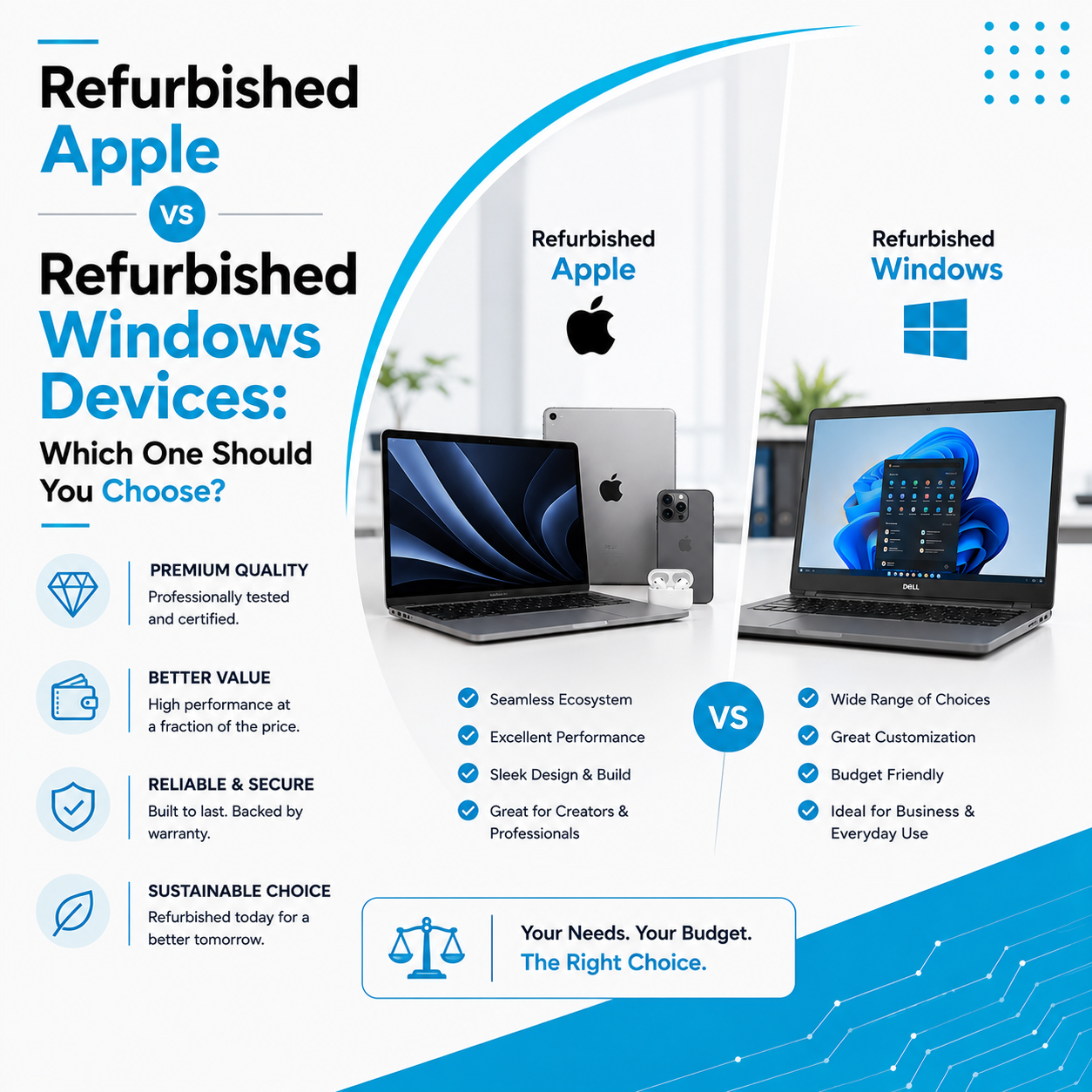
Both platforms have their own strengths, and the right choice depends on your work requirements, software preferences, budget, and long-term goals.
In this guide, we’ll compare refurbished Apple and Windows devices to help you make an informed decision.
What Are Refurbished Devices?
Refurbished devices are pre-owned computers or tablets that have been professionally inspected, repaired if necessary, cleaned, tested, and restored before being resold.
Unlike ordinary second-hand devices, professionally refurbished products undergo quality assurance to ensure they deliver reliable performance.
Whether you choose Apple or Windows, buying from a trusted refurbishment provider ensures better reliability and peace of mind.
Apple vs Windows: Understanding the Difference
Before comparing refurbished models, it’s important to understand the two ecosystems.
Apple Devices
Popular refurbished Apple products include:
- MacBook Air
- MacBook Pro
- iMac
- Mac Mini
- Mac Studio
- iPad
They run on macOS or iPadOS, offering a seamless experience across Apple devices.
Windows Devices
Popular refurbished Windows devices include:
- Dell Latitude
- HP EliteBook
- Lenovo ThinkPad
- ASUS ExpertBook
- Acer TravelMate
- Microsoft Surface
They run on Microsoft Windows, the world’s most widely used operating system.
1. Price & Value for Money
Budget is often the first factor buyers consider.
Refurbished Apple Devices
- Higher initial cost
- Premium build quality
- Excellent resale value
- Long software support
Refurbished Windows Devices
- More affordable options
- Wider variety of models
- Better choices for every budget
- Easy hardware upgrades
Winner: Windows offers greater affordability, while Apple delivers premium long-term value.
2. Performance
Both Apple and Windows devices offer excellent performance when professionally refurbished.
Apple
Apple Silicon processors provide:
- Fast performance
- Excellent battery life
- Smooth multitasking
- Efficient power consumption
Windows
Windows laptops offer a wide range of processors suitable for:
- Office work
- Programming
- Gaming
- Business
- Designing
- Engineering
Performance depends on the configuration you choose.
3. Operating System
macOS
Best for:
- Creative professionals
- Video editors
- Designers
- Developers
- Apple ecosystem users
Benefits include:
- Clean interface
- Excellent optimization
- Strong security
- Seamless integration with iPhone and iPad
Windows
Best for:
- Office work
- Business software
- Engineering
- Accounting
- Gaming
- Enterprise environments
Windows supports the largest variety of applications and hardware.
4. Software Compatibility
This is one of the biggest deciding factors.
Apple
Compatible with:
- Final Cut Pro
- Logic Pro
- Adobe Creative Cloud
- Xcode
- Microsoft Office
Some specialized business or engineering software may not be available on macOS.
Windows
Supports almost every professional application including:
- AutoCAD
- Tally
- SAP
- ERP software
- Accounting software
- Microsoft Office
- Adobe applications
- Engineering software
- Gaming platforms
Businesses often prefer Windows because of its wider software compatibility.
5. Battery Life
Apple devices are widely known for excellent battery efficiency.
MacBooks generally provide:
- Longer battery backup
- Better power management
- Efficient Apple Silicon processors
Windows battery life depends on:
- Brand
- Processor
- Graphics card
- Battery capacity
6. Upgrade Flexibility
Apple
Most modern Apple devices have limited hardware upgrade options after purchase.
Choose the right RAM and storage during purchase because upgrades are often not possible later.
Windows
Many Windows laptops allow:
- RAM upgrades
- SSD upgrades
- Storage expansion
- Battery replacement
This makes Windows devices more flexible for long-term use.
7. Build Quality
Apple devices are known for:
- Premium aluminum construction
- Excellent displays
- High-quality keyboards
- Durable design
Business Windows laptops from Dell, HP, and Lenovo also offer excellent durability, especially enterprise models designed for professional use.
8. Best Choice for Students
Choose Apple if:
- You already use an iPhone or iPad.
- You need excellent battery life.
- You study design, media, or software development.
Choose Windows if:
- You need maximum affordability.
- Your course requires Windows-specific software.
- You want easier hardware upgrades.
9. Best Choice for Professionals
Apple is ideal for:
- Designers
- Video editors
- Developers
- Photographers
- Creative agencies
Windows is ideal for:
- Corporate professionals
- Finance teams
- Engineers
- Sales teams
- IT administrators
- Business owners
Your profession should guide your decision.
10. Which One Should Businesses Buy?
For businesses, the right choice depends on the nature of work.
Apple devices are excellent for:
- Creative agencies
- Marketing firms
- Video production houses
- Design studios
Windows devices are better suited for:
- Corporate offices
- Educational institutions
- Government organizations
- Accounting firms
- Manufacturing companies
- IT service providers
Many organizations even use both platforms depending on departmental needs.
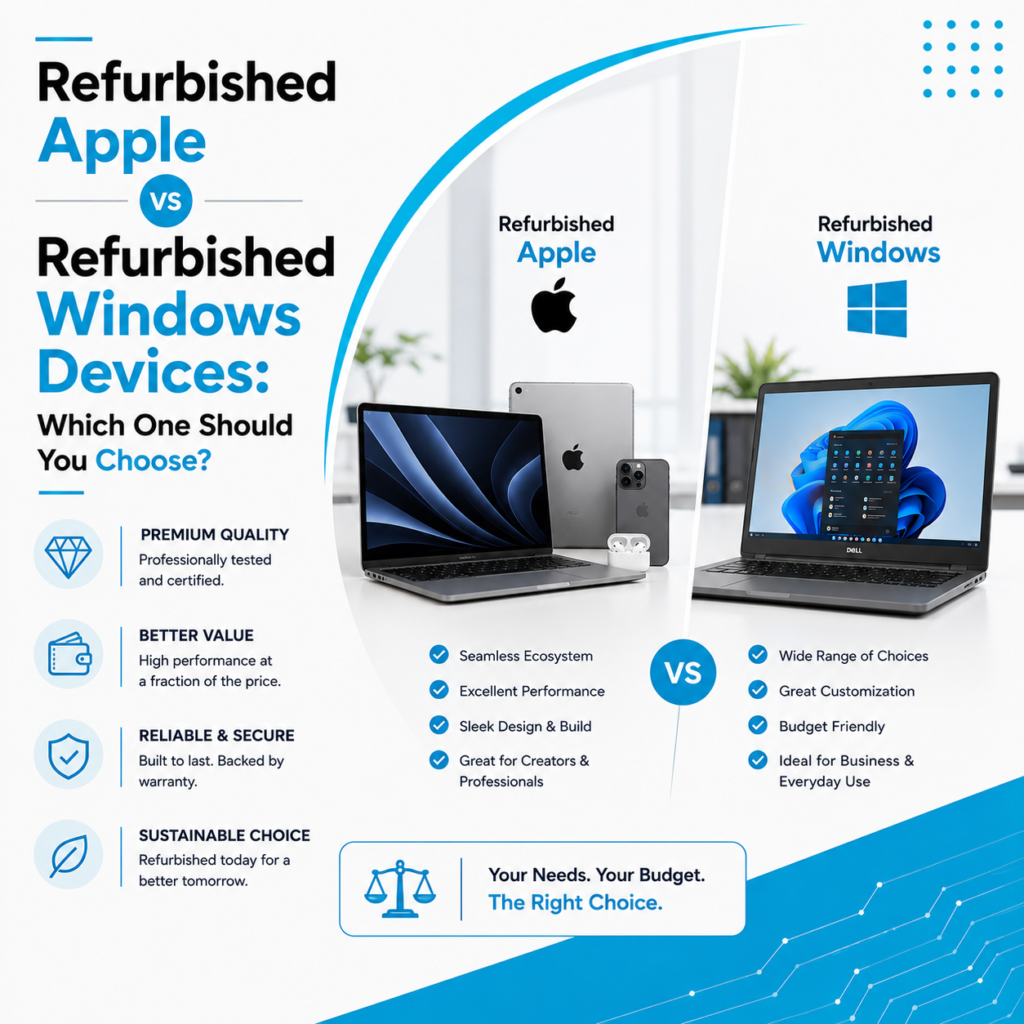
Apple vs Windows: Quick Comparison
Feature | Refurbished Apple | Refurbished Windows |
Price | Premium | Budget-Friendly |
Build Quality | Excellent | Very Good to Excellent |
Battery Life | Excellent | Good to Excellent |
Upgrade Options | Limited | Extensive |
Software Compatibility | Excellent | Excellent (Wider Range) |
Business Use | Creative Teams | Most Industries |
Student Friendly | Yes | Yes |
Long-Term Value | High | High |
Which One Should You Buy?
Choose a Refurbished Apple Device if you:
- Prefer the Apple ecosystem
- Need excellent battery life
- Work in creative fields
- Value premium design
- Use macOS-specific applications
Choose a Refurbished Windows Device if you:
- Want the best value for money
- Need Windows-only software
- Prefer upgrade flexibility
- Want more configuration options
- Require a lower purchase cost
The best choice isn’t about which platform is better—it’s about which one best supports your daily work and future needs.
Find the Right Refurbished Device at Laptop Hub
At Laptop Hub, we offer a carefully selected range of professionally refurbished Apple and Windows devices to meet different budgets and performance requirements.
Our collection includes:
- Refurbished MacBooks
- Refurbished iPads
- Refurbished iMacs
- Refurbished Windows laptops
- Business desktops
- Corporate systems
Every device undergoes detailed inspection, testing, and quality assurance before being delivered to our customers.
Whether you’re buying your first laptop, upgrading your business systems, or investing in premium Apple technology, our experts help you choose the right refurbished device with confidence.
Frequently Asked Questions (FAQs)
1. Are refurbished Apple devices better than refurbished Windows laptops?
Both are excellent choices. Apple is ideal for creative professionals and users invested in the Apple ecosystem, while Windows devices offer greater flexibility, affordability, and software compatibility.
2. Which refurbished laptop is better for students?
Students can benefit from either platform depending on their course requirements. Windows laptops are generally more affordable, while MacBooks are popular for creative and technical education.
3. Can refurbished Windows laptops be upgraded?
Yes. Many refurbished Windows laptops support RAM, SSD, and storage upgrades, making them more flexible than many modern Apple devices.
4. Are refurbished Apple products worth buying?
Yes. Professionally refurbished Apple devices provide premium performance, long software support, and excellent value when purchased from a trusted provider.
5. Why buy refurbished devices from Laptop Hub?
Laptop Hub offers professionally tested and quality-checked Apple and Windows devices, helping customers find reliable technology that matches their budget and requirements.