Artificial intelligence is changing how people work, study, create content, and manage everyday tasks. From AI-powered writing assistants to intelligent photo editing and meeting summaries, many applications now use AI to save time and improve productivity.
Laptop manufacturers are responding with a new generation of AI laptops designed to handle certain AI tasks more efficiently. According to International Data Corporation (IDC), AI notebook shipments in India grew by 96.1% year over year in the first quarter of 2026, reflecting the growing interest in AI-capable computers.
But does this mean everyone needs to replace their existing laptop with an AI PC?
Not necessarily.
The right laptop depends on your daily workload, software requirements, budget, and plans for the next few years. In this guide, we explain what AI laptops are, their benefits, who should consider buying one, and when an existing or refurbished laptop may be the more practical choice.
What Is an AI Laptop?
An AI laptop is a computer designed to support artificial intelligence tasks through a combination of hardware and software. Many modern AI PCs include three primary processing components:
- CPU (Central Processing Unit): Handles general computing tasks, applications, and everyday operations.
- GPU (Graphics Processing Unit): Processes graphics-intensive workloads, including gaming, video editing, and certain AI tasks.
- NPU (Neural Processing Unit): A specialised processor designed to handle supported AI workloads efficiently, often using less power than other processing components.
The NPU is one of the key features distinguishing many newer AI-focused laptops from traditional computers.
Depending on the hardware and software, an AI laptop may support features such as background blur during video calls, noise reduction, image editing, live captions, AI-assisted productivity tools, and certain on-device AI applications.
However, not every laptop marketed as AI-capable supports every AI feature. Some functions require specific processor capabilities, operating system versions, memory configurations, or compatible applications.
5 Benefits of AI Laptops in 2026
1. Better Support for AI-Powered Productivity
AI tools can help professionals draft emails, summarise documents, organise information, and prepare meeting notes.
A compatible AI laptop can run some supported tasks locally, potentially reducing reliance on cloud processing. However, many popular AI tools still require an internet connection or cloud-based services.
For office employees, business owners, and digital marketers, the biggest benefit is the combination of capable hardware and software that fits their daily workflow.
2. Improved Video Conferencing
Many professionals spend hours attending online meetings with clients, colleagues, and business partners.
Compatible AI-powered features can help reduce background noise, blur backgrounds, improve framing, and enhance the overall video-call experience.
These features are useful for remote employees, sales teams, customer support executives, and professionals who regularly attend virtual meetings.
3. Support for Creative Work
Graphic designers, video editors, photographers, and content creators increasingly use AI-powered editing tools.
Depending on the application and laptop configuration, AI features may help with background removal, image enhancement, transcription, video editing, and other creative tasks.
For demanding creative workloads, check the GPU, RAM, processor performance, storage, and display quality instead of choosing a laptop based on its AI branding alone.
4. More Efficient On-Device AI Processing
One advantage of an NPU is its ability to handle supported AI workloads efficiently without constantly relying on the CPU or GPU.
This can improve power efficiency for certain tasks, particularly when AI features run frequently in the background.
On-device processing may also help keep certain data on the computer. However, privacy depends on the application and its settings; having an NPU does not automatically make every AI activity private.
5. Greater Flexibility for Future Software
AI capabilities are becoming more common across productivity, creative, and business applications.
Choosing a laptop with suitable AI hardware may provide more flexibility as compatible applications evolve. Nevertheless, the actual value depends on the features you use, and an AI-ready laptop is not automatically faster for every task.
Who Should Buy an AI Laptop?
An AI laptop can be a worthwhile investment for certain users, but its benefits vary by profession.
User type | Is an AI laptop worth considering? |
Students | Useful for supported learning, research, and productivity tools, but not essential for everyone. |
Digital marketers | Helpful for content workflows, video calls, and compatible creative applications. |
Graphic designers | Worth considering, especially alongside strong GPU performance, RAM, and a quality display. |
Video editors | May help with supported AI editing tools, but GPU and overall performance remain critical. |
Corporate professionals | Useful for compatible meeting, productivity, and on-device AI features. |
Developers | Depends on the development environment and whether local AI workloads are part of the work. |
Basic home users | Often unnecessary if the laptop is mainly used for browsing, email, streaming, and documents. |
For example, a digital marketing executive who frequently edits videos, works with design software, and uses AI-assisted applications may benefit from a capable AI laptop.
Someone who mainly uses spreadsheets, web browsers, email, and presentation software may get better value from a well-configured conventional laptop.
What Should You Check Before Buying an AI Laptop?
Before purchasing, evaluate the complete laptop rather than focusing on a single feature.
1. Processor and NPU Capabilities
Check the exact processor model and whether it includes an NPU. If you need specific Windows AI features, confirm that the laptop meets their hardware and software requirements.
For example, Microsoft’s Copilot+ PC category requires an NPU capable of at least 40 trillion operations per second (TOPS), along with other system requirements. This is a requirement for that particular category, not a universal requirement for every AI application.
2. RAM and Storage
RAM affects multitasking, while storage influences boot times, application loading, and file access.
For many professional workloads, 16GB of RAM is a practical starting point, although heavier creative, development, and local AI workloads may benefit from 32GB or more. An SSD is generally preferable for a responsive everyday experience.
Always check the application’s requirements before finalising the configuration.
3. Battery Life and Portability
If you frequently travel or work outside the office, consider battery capacity, real-world battery performance, weight, screen size, and charging options.
An NPU can improve efficiency for supported workloads, but actual battery life also depends on the processor, display, battery condition, workload, and power settings.
4. Operating System and Software Compatibility
Confirm that your essential applications, peripherals, and business tools work with the laptop’s processor architecture and operating system.
This is particularly important when choosing newer AI-focused systems, because not every application or feature is supported equally across all devices.
5. Total Cost of Ownership
Compare the purchase price with the practical benefits you expect to receive.
A more expensive AI laptop may make sense if its features save time or support work you perform regularly. If you will rarely use its AI capabilities, a conventional laptop with a good processor, sufficient RAM, and SSD storage may be a smarter investment.
Should You Buy a New AI Laptop or Choose a Refurbished Laptop?
An AI laptop is not the only option for getting productive computing performance in 2026.
A new AI-capable laptop may suit users who need specific on-device AI features, modern hardware, and a longer expected period of software support.
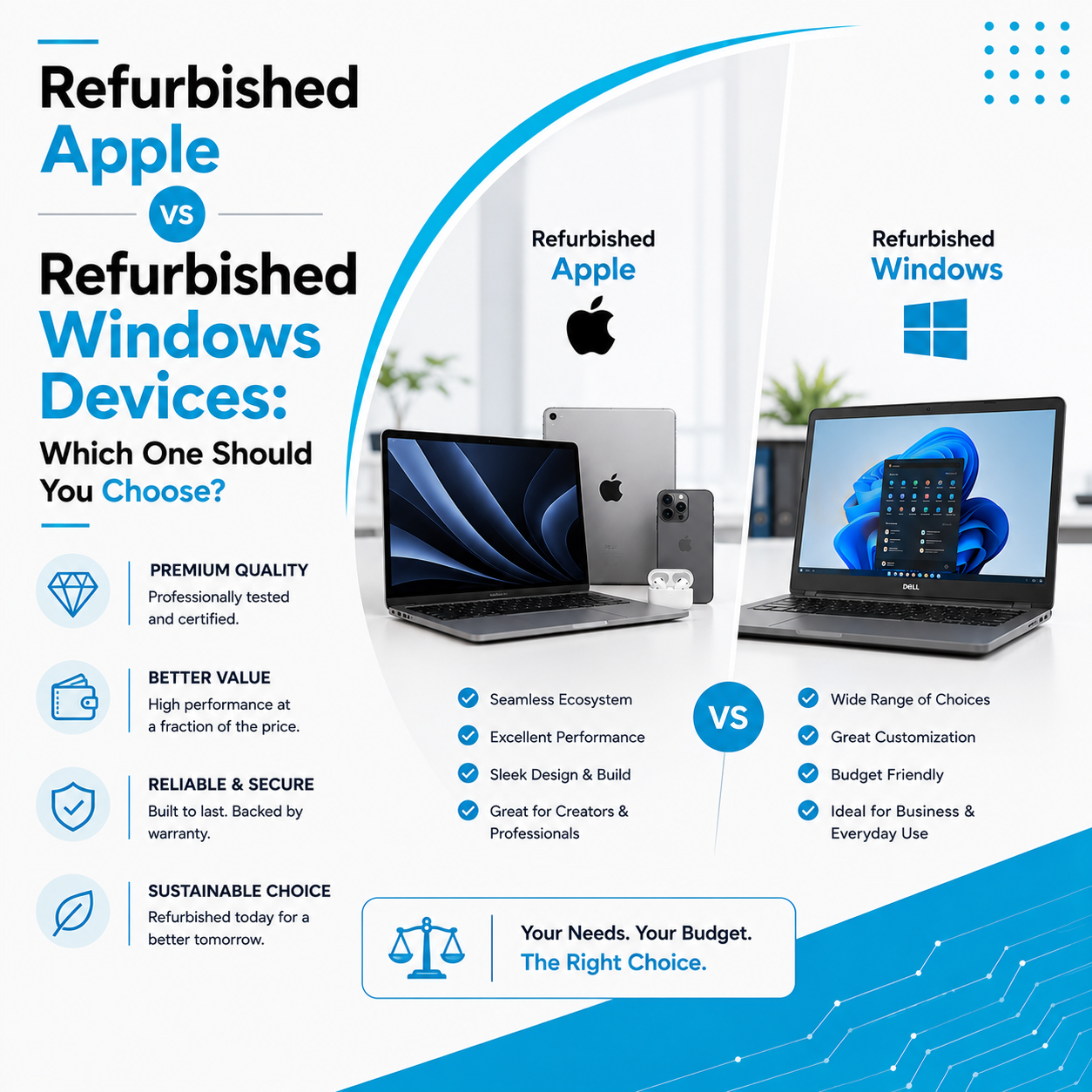
A certified refurbished laptop may be more suitable for users who prioritise value, dependable everyday performance, and a lower initial purchase cost.
Before choosing a refurbished device, check its processor generation, RAM, SSD, battery condition, display, keyboard, ports, warranty, and compatibility with your essential software.
Important: A refurbished laptop is not automatically AI-capable. Older devices may run cloud-based AI tools through a browser but may lack the NPU or other hardware required for newer on-device features.
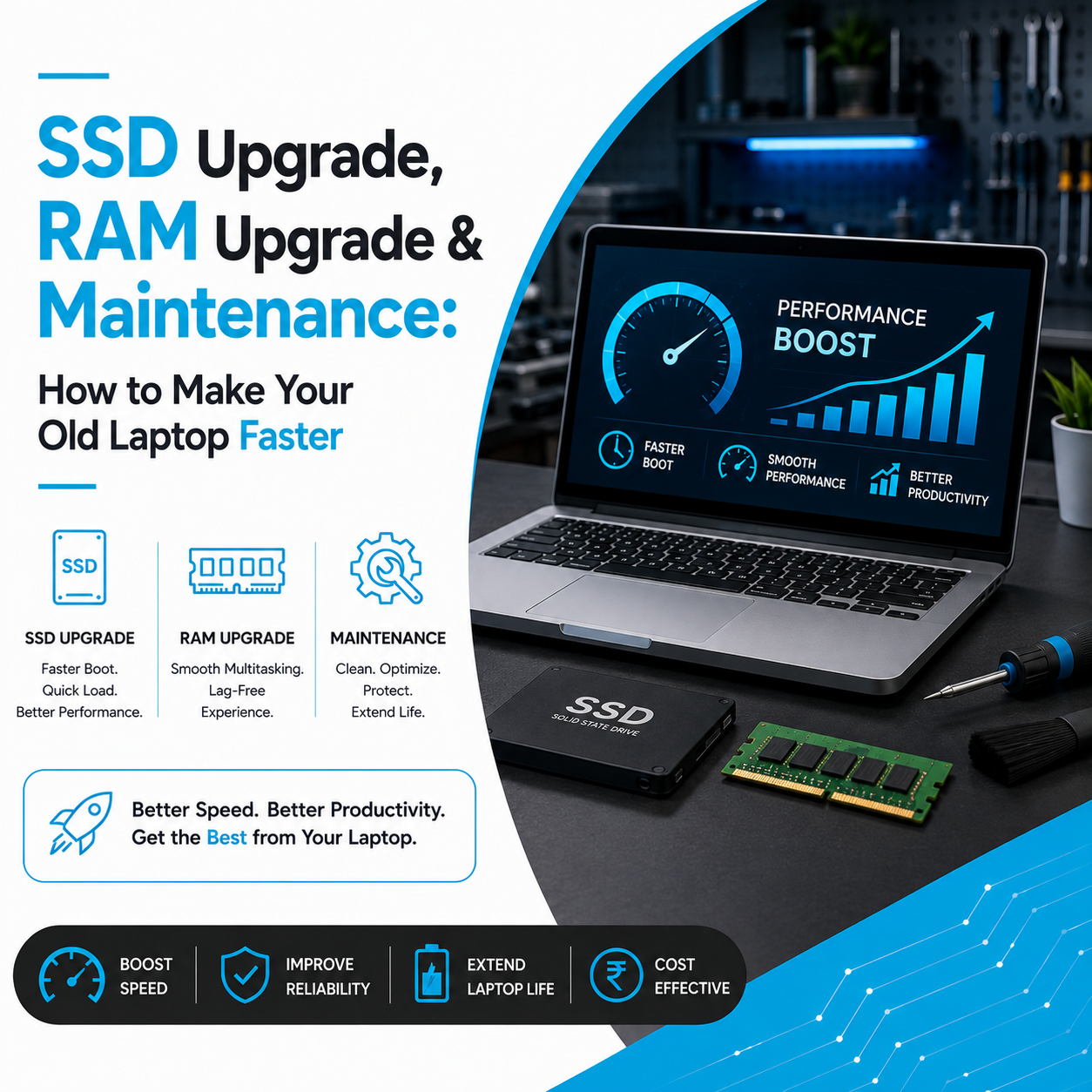
If your existing laptop performs well for your daily work, an upgrade may also be worth exploring. Depending on the model, upgrading from an HDD to an SSD or increasing RAM can improve responsiveness and multitasking. These upgrades do not add an NPU or enable hardware-dependent AI features that the laptop does not support.
At Laptop Hub, customers can explore laptop purchasing options, certified refurbished devices, hardware upgrades, repairs, and laptop rental solutions according to their needs and budget.
When Should You Upgrade Your Existing Laptop Instead?
Consider upgrading your existing laptop if it still meets your software requirements but has become slow or struggles with multitasking.
An SSD upgrade can make booting and application loading feel significantly faster on a compatible system. A RAM upgrade can improve multitasking when the existing memory is insufficient, provided the laptop supports additional or replaceable RAM.
However, if your processor is too old for your essential applications, the laptop has serious hardware problems, or you require newer AI-specific capabilities, replacing it may be more practical.
A professional inspection can help determine whether an upgrade, repair, or replacement offers better value.
Frequently Asked Questions
1. Are AI laptops necessary in 2026?
No. AI laptops are useful for people who regularly use supported AI features or need local AI processing. For basic computing, a conventional laptop with suitable specifications may be sufficient.
2. Can an old laptop run AI tools?
Yes. Many cloud-based AI tools work through a browser or compatible application on older laptops. However, performance depends on the device and internet connection, and some newer AI features require dedicated hardware.
3. Is an AI laptop better than a normal laptop?
Not for every task. AI laptops can handle certain AI workloads more efficiently, but overall performance also depends on the CPU, GPU, RAM, storage, cooling, and software.
4. Can I upgrade my existing laptop to make it an AI laptop?
RAM and SSD upgrades can improve performance, but they cannot add a built-in NPU to a laptop that lacks one. Hardware-dependent AI features may therefore remain unavailable.
5. Should I buy a refurbished laptop instead of a new AI PC?
A refurbished laptop can offer good value if it meets your performance and software requirements. If you specifically need newer on-device AI capabilities, verify the exact hardware and supported features before purchasing.
Final Verdict: Choose the Laptop That Fits Your Work
AI laptops are an important development in personal computing, but buying one should be a practical decision rather than a response to a technology trend.
If your work depends on AI-powered creative tools, frequent video conferencing, or supported on-device AI applications, an AI-capable laptop may be worth the investment. If you mainly perform everyday office tasks, a well-configured conventional or refurbished laptop may meet your needs at a lower cost.
Before making a purchase, compare specifications, compatibility, warranty, expected usage, and total cost. If your current device is slowing down, explore repair or upgrade options before replacing it.
Looking for the right laptop for work, study, or business? Explore Laptop Hub’s laptop sales, refurbished laptop options, laptop rentals, repair services, and SSD or RAM upgrades to find a solution that fits your requirements and budget.