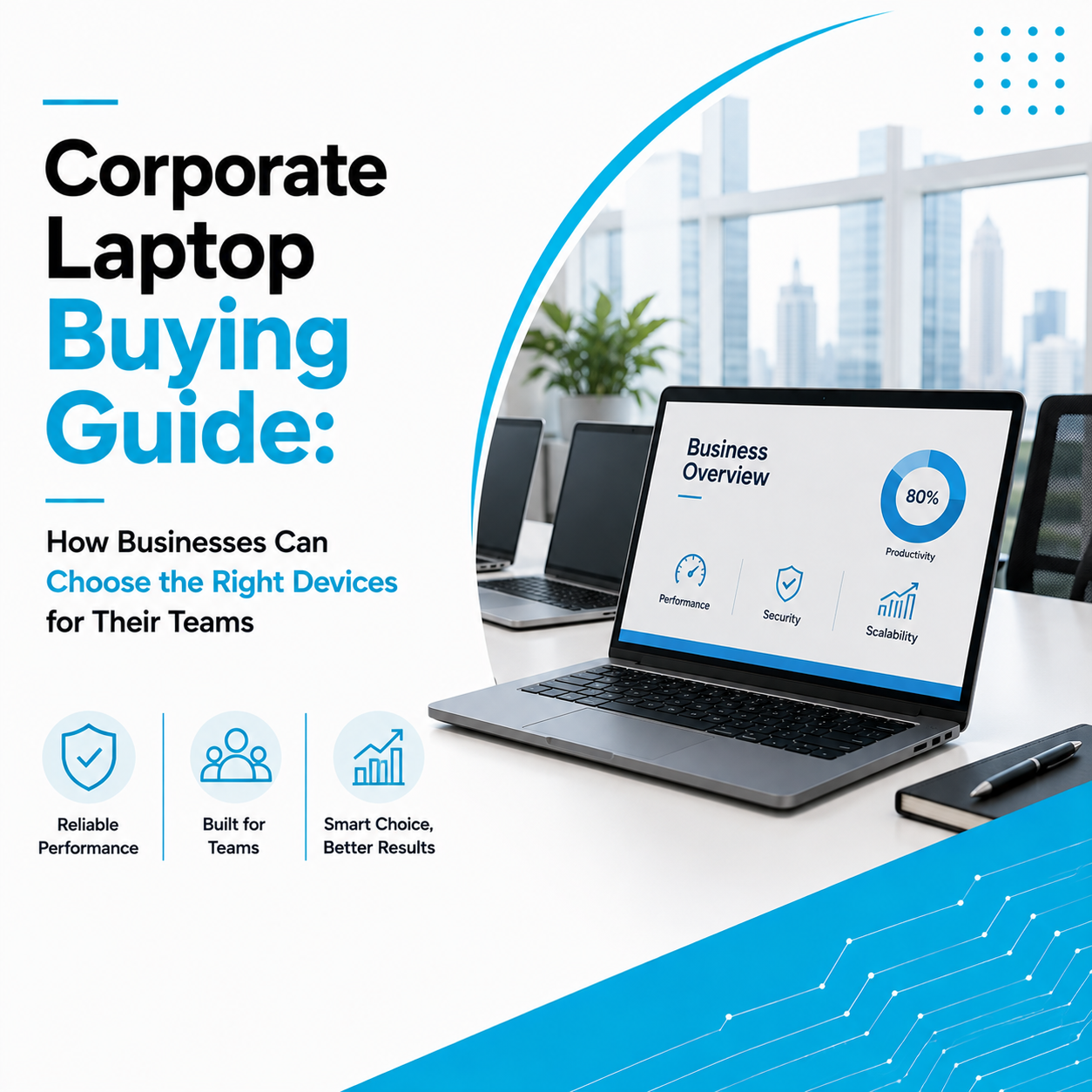
In today’s fast-paced business world, a laptop is more than just a device—it’s an essential productivity tool. Whether you’re attending virtual meetings, managing projects, creating presentations, analyzing data, or communicating with clients, the right business laptop can make your work more efficient and reliable.
Unlike gaming or personal laptops, business laptops are built to prioritize performance, durability, security, and long-term reliability. However, with so many models and specifications available, choosing the right one can be challenging.
This guide explains the key features every professional and business owner should consider before purchasing a business laptop.
Why Business Laptops Are Different
Business laptops are designed specifically for professional use. They focus on productivity, security, portability, and reliability rather than entertainment or gaming.
Compared to standard consumer laptops, business laptops often offer:
- Better build quality
- Enhanced security features
- Longer battery life
- Enterprise-grade performance
- Better keyboard and ergonomics
- Higher reliability for daily work
These features make them suitable for demanding office environments.
1. Choose Performance Based on Your Work
Before selecting a laptop, understand how you plan to use it.
Basic Office Work
Ideal for:
- Emails
- Microsoft Office
- Internet browsing
- Video meetings
- Document management
Recommended:
- Intel Core i5 or AMD Ryzen 5
- 8GB–16GB RAM
- 256GB SSD
Business Professionals
Suitable for:
- Multitasking
- Financial software
- CRM platforms
- Cloud applications
- Large spreadsheets
Recommended:
- Intel Core i7 or AMD Ryzen 7
- 16GB RAM
- 512GB SSD
Creative & Technical Professionals
For users working with:
- Graphic design
- Video editing
- CAD software
- Software development
Recommended:
- Intel Core i7/i9
- Ryzen 7/9
- Dedicated Graphics
- 16GB–32GB RAM
- 1TB SSD
2. Portability Matters
Business professionals often travel between offices, client meetings, conferences, and remote work locations.
A lightweight laptop offers:
- Easier portability
- Better convenience
- Comfortable daily usage
Choose a laptop that’s easy to carry without compromising performance.
3. Long Battery Life Improves Productivity
Nothing disrupts work more than constantly searching for a power outlet.
A quality business laptop should provide enough battery life to comfortably handle:
- Meetings
- Travel
- Office work
- Remote work
- Presentations
Long battery life ensures uninterrupted productivity throughout the day.
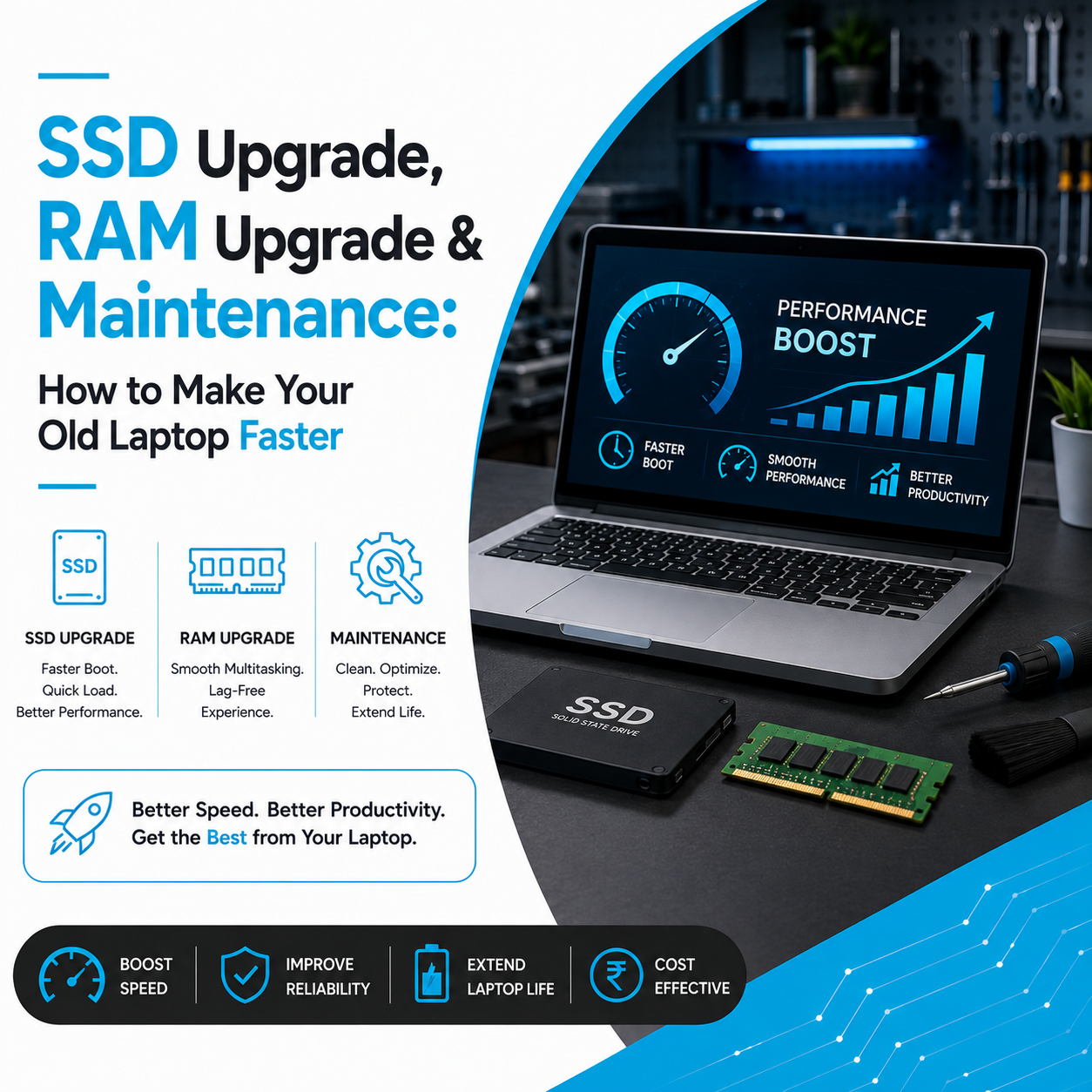
4. Fast SSD Storage is Essential
Modern businesses rely on speed.
SSD storage provides:
- Faster startup
- Quick file access
- Faster software loading
- Better multitasking
- Improved reliability
For most professionals, a 512GB SSD offers an excellent balance between storage and performance.
5. Sufficient RAM for Smooth Multitasking
Business users often work with multiple applications simultaneously.
For example:
- Excel
- Teams
- Browser tabs
- CRM software
- Video conferencing
Choosing enough RAM ensures smoother performance.
Recommended:
- 8GB RAM – Basic office work
- 16GB RAM – Most professionals
- 32GB RAM – Advanced workloads
6. Security Features Are More Important Than Ever
Businesses handle confidential information every day.
A good business laptop should support:
- Fingerprint authentication
- Face recognition (where available)
- Device encryption
- Secure boot features
- Strong password protection
Security helps protect both company and customer data.
7. Display Quality Affects Everyday Comfort
Professionals spend several hours looking at their screens.
A quality display offers:
- Better color accuracy
- Comfortable brightness
- Reduced eye strain
- Improved readability
For office work, Full HD displays are recommended for a clear and comfortable viewing experience.
8. Comfortable Keyboard & Touchpad
Typing thousands of words every day requires a comfortable keyboard.
Look for:
- Responsive keys
- Good key travel
- Comfortable palm rest
- Precision touchpad
These small details significantly improve the overall user experience.
9. Connectivity Options
Business professionals frequently connect:
- External monitors
- USB drives
- Projectors
- Printers
- Docking stations
Check for useful ports such as:
- USB-C
- USB-A
- HDMI
- Audio jack
- Ethernet (if required)
Having the right ports reduces the need for additional adapters.
10. Durability & Build Quality
Business laptops are carried daily and often travel between offices and client locations.
A durable build helps the laptop withstand:
- Frequent travel
- Daily handling
- Long working hours
Choosing a reliable business laptop reduces long-term maintenance costs.
Best Business Laptop Brands
Several manufacturers are known for producing reliable business laptops.
Popular choices include:
- Apple MacBook
- Dell Latitude
- Lenovo ThinkPad
- HP EliteBook
- ASUS ExpertBook
- Acer TravelMate
Each offers models suitable for different budgets and professional requirements.
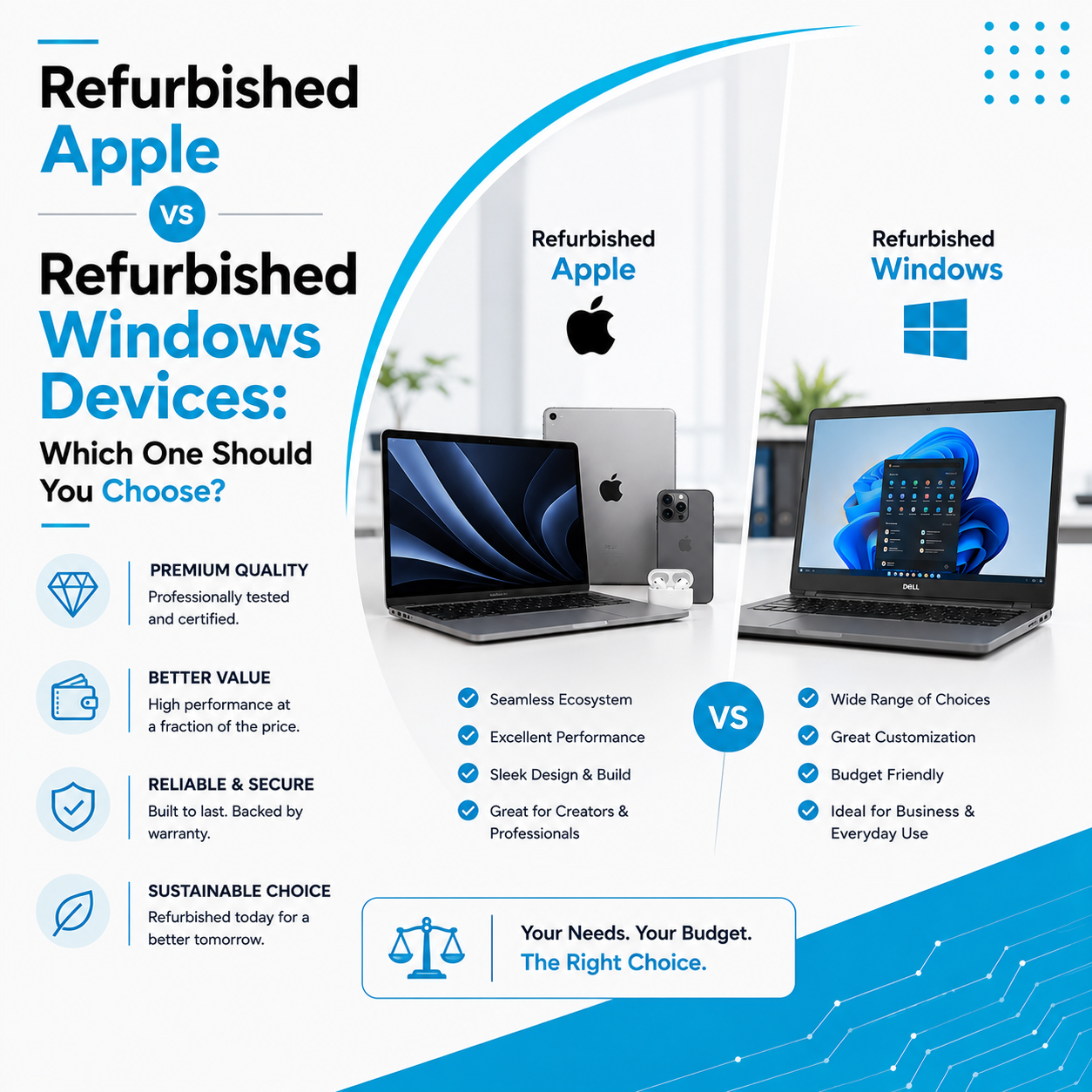
Should Businesses Consider Refurbished Laptops?
For startups, SMEs, and growing businesses, professionally refurbished laptops can be a smart investment.
Benefits include:
- Lower upfront cost
- Excellent performance
- Professionally tested hardware
- Reduced IT expenses
- Sustainable technology solution
Many businesses use refurbished laptops to equip teams without compromising quality.
Why Businesses Trust Laptop Hub
At Laptop Hub, we understand that every business has different technology requirements.
We provide:
- Business laptops
- Refurbished corporate laptops
- Apple MacBooks
- Windows business laptops
- Laptop upgrades
- Repair and maintenance services
- Bulk corporate laptop solutions
Our experts help businesses select devices based on workload, budget, and future growth plans.
Whether you’re equipping a startup, expanding your workforce, or replacing outdated systems, Laptop Hub offers reliable laptop solutions that keep your business productive.
Frequently Asked Questions (FAQs)
1. What makes a business laptop different from a regular laptop?
Business laptops focus on durability, security, battery life, and productivity, making them more suitable for professional environments.
2. How much RAM is ideal for office work?
For most professionals, 16GB RAM provides smooth multitasking and reliable performance.
3. Is SSD necessary for a business laptop?
Yes. SSDs improve boot speed, application loading, and overall system responsiveness, making daily work much more efficient.
4. Are refurbished business laptops worth buying?
Yes. Professionally refurbished business laptops provide excellent value and reliable performance, especially for startups and growing companies.
5. Which laptop brand is best for business use?
Apple, Dell, Lenovo, HP, ASUS, and Acer all offer excellent business laptop models. The best choice depends on your work requirements and budget.