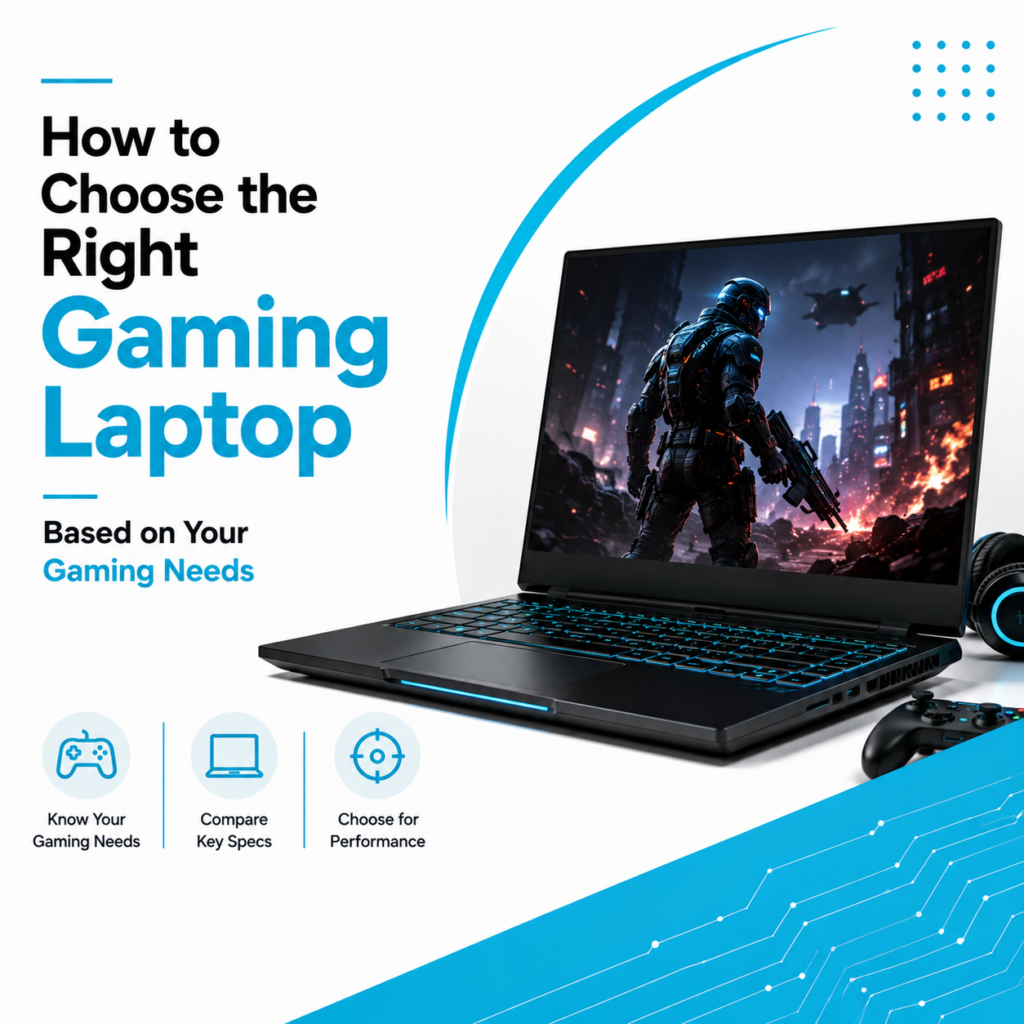
Gaming has evolved far beyond just playing a few casual games. Modern titles demand powerful hardware, smooth graphics, and responsive performance to deliver an immersive experience. Whether you’re a casual gamer, esports enthusiast, streamer, or content creator, investing in the right gaming PC can significantly improve your gaming and productivity.
However, with countless processors, graphics cards, monitors, and accessories available, choosing or building the perfect gaming PC can feel overwhelming.
This guide will help you understand every important component of a gaming PC so you can make the right investment based on your budget and gaming needs.
Why Choose a Gaming PC?
A gaming PC offers much more than just gaming.
It can also be used for:
- Video editing
- Graphic designing
- 3D rendering
- Programming
- Streaming
- Animation
- AI applications
- Professional multitasking
Unlike many laptops, gaming PCs also allow future hardware upgrades, making them a long-term investment.
Step 1: Choose the Right Processor (CPU)
The processor is responsible for handling calculations, game logic, and multitasking.
Popular options include:
Intel Processors
- Intel Core i5
- Intel Core i7
- Intel Core i9
AMD Processors
- Ryzen 5
- Ryzen 7
- Ryzen 9
Which CPU Should You Choose?
Casual Gaming
- Intel Core i5
- Ryzen 5
AAA Gaming & Streaming
- Intel Core i7
- Ryzen 7
Professional Gaming & Content Creation
- Intel Core i9
- Ryzen 9
Choosing the right CPU ensures smooth gameplay and excellent multitasking performance.
Step 2: Graphics Card (GPU) – The Heart of Every Gaming PC
The graphics card has the biggest impact on gaming performance.
Popular NVIDIA GPUs include:
- RTX 4060
- RTX 4070
- RTX 4080
- RTX 4090
Popular AMD GPUs include:
- Radeon RX 7700 XT
- Radeon RX 7800 XT
- Radeon RX 7900 Series
A good GPU delivers:
- Higher FPS
- Better graphics quality
- Ray tracing support
- Faster rendering
- AI-powered gaming technologies
Choose a graphics card according to the games you play and the monitor resolution you plan to use.
Step 3: RAM – Smooth Multitasking Matters
RAM determines how efficiently your PC handles games and background applications.
Recommended configurations:
- 16GB RAM – Ideal for most gamers
- 32GB RAM – Great for streaming, editing, and multitasking
- 64GB+ RAM – Professional creators and advanced users
More RAM helps improve responsiveness during heavy workloads.
Step 4: SSD Storage is a Must
Modern games are becoming increasingly larger.
An SSD offers:
- Faster Windows boot times
- Quick game loading
- Reduced waiting times
- Better overall responsiveness
Recommended storage:
- 512GB SSD – Entry-level
- 1TB SSD – Ideal for most gamers
- 2TB or higher – Large game libraries and creative work
Many users also combine SSDs with HDDs for additional storage.
Step 5: Choosing the Right Motherboard
The motherboard connects every component inside your gaming PC.
Before buying, check:
- CPU compatibility
- RAM support
- Expansion slots
- Storage options
- USB connectivity
- Future upgrade possibilities
Selecting a quality motherboard improves system stability and upgrade flexibility.
Step 6: Don’t Ignore the Cooling System
Gaming PCs generate significant heat during extended sessions.
Good cooling improves:
- Performance stability
- Hardware lifespan
- Lower operating temperatures
- Reduced system noise
Cooling options include:
- Air cooling
- Liquid cooling
- Multiple cabinet fans
Proper airflow is essential for long-term performance.
Step 7: Choose the Right Gaming Monitor
Your monitor directly affects your gaming experience.
Screen Size
- 24-inch
- 27-inch
- 32-inch
Choose according to your desk setup and gaming preference.
Resolution
Popular options include:
- Full HD (1920×1080)
- Quad HD (2560×1440)
- 4K Ultra HD
Higher resolutions deliver sharper visuals but require more powerful graphics cards.
Refresh Rate
Refresh rate determines how smooth gameplay appears.
Recommended options:
- 144Hz
- 165Hz
- 240Hz
- 360Hz
Competitive gamers should prioritize higher refresh rates for smoother gameplay.
Response Time
Lower response times reduce motion blur.
For gaming, a response time of 1ms to 5ms is ideal.
Step 8: Choose a Reliable Power Supply (PSU)
The Power Supply Unit powers every component inside your PC.
Choose a PSU that offers:
- Reliable wattage
- Safety protections
- Energy efficiency
- Room for future upgrades
A quality PSU helps protect your expensive hardware.
Step 9: Cabinet & Airflow
A good gaming cabinet is about more than appearance.
Look for:
- Excellent airflow
- Dust filters
- Cable management
- Space for upgrades
- Good cooling support
A well-designed cabinet improves both cooling and maintenance.
Step 10: Pre-Built Gaming PC or Custom Build?
Pre-Built Gaming PC
Best for:
- Beginners
- Plug-and-play setup
- Warranty support
- Convenience
Custom Gaming PC
Best for:
- Enthusiasts
- Maximum customization
- Better upgrade flexibility
- Specific performance requirements
Choose the option that best suits your technical knowledge and future plans.
Who Should Buy a Gaming PC?
Gaming PCs are ideal for:
- Professional gamers
- Casual gamers
- Streamers
- Content creators
- Architects
- Graphic designers
- Video editors
- Software developers
- Engineering students
Their powerful hardware makes them suitable for both entertainment and professional work.
Should You Consider a Refurbished Gaming PC?
A professionally refurbished gaming PC offers an affordable way to enjoy high-performance computing.
Benefits include:
- Lower purchase cost
- Professionally tested components
- Excellent performance
- Better value for money
- Sustainable technology choice
Buying from a trusted supplier ensures quality and reliability.
Find the Right Gaming PC at Laptop Hub
At Laptop Hub, we help gamers, creators, and professionals choose gaming PCs that match their performance requirements and budget.
Whether you’re looking for a custom-built gaming desktop, a branded gaming PC, or a professionally refurbished gaming system, our experts can guide you in selecting the right configuration.
With quality-tested hardware, trusted brands, and reliable customer support, Laptop Hub ensures you get a gaming PC built for performance, durability, and future upgrades.
Frequently Asked Questions (FAQs)
1. What is the most important component in a gaming PC?
The graphics card (GPU) is generally the most important component because it has the greatest impact on gaming performance.
2. Is 16GB RAM enough for gaming?
Yes. For most modern games, 16GB RAM is sufficient. Gamers who stream or edit videos may benefit from 32GB.
3. Should I buy a pre-built gaming PC or build one?
Pre-built PCs are great for beginners, while custom-built PCs offer better flexibility and upgrade options.
4. Which monitor refresh rate is best for gaming?
A 144Hz or higher monitor provides smoother gameplay, especially in competitive games.
5. Is a refurbished gaming PC worth buying?
Yes. A professionally refurbished gaming PC can deliver excellent performance and value when purchased from a trusted provider.