
Buying a laptop in 2026 requires more planning than simply choosing a brand and comparing specifications. With increasing hardware costs and changing market conditions, many students, professionals, and businesses in India are reconsidering how much they should spend on a computer.
Industry research from IDC and Omdia highlights rising component costs as an important factor affecting laptop affordability in India. Memory, storage, and other hardware components have faced pricing pressures, making budget-conscious purchasing decisions increasingly important.
For buyers in Ahmedabad, this raises a practical question: Should you invest in a new laptop, upgrade your current device, or purchase a refurbished laptop?
Each option has its advantages. The right choice depends on your existing laptop’s condition, performance requirements, budget, and expected usage.
Why Are Laptop Prices Increasing in India in 2026?
Laptop prices are influenced by several factors, including manufacturing costs, component availability, currency fluctuations, and demand.
Three important factors affecting the market are:
1. Rising RAM and Storage Costs
Modern laptops depend on components such as DRAM and NAND flash memory. When these components become more expensive, manufacturers may increase laptop prices or adjust available configurations.
2. Growing Demand for Advanced Hardware
AI-capable laptops, gaming systems, and high-performance workstations often require more powerful processors, larger memory configurations, and specialised hardware.
Demand for these components can affect supply and pricing across different laptop categories.
3. Supply Chain and Inventory Changes
Manufacturers and distributors also respond to changes in supply availability and anticipated future costs.
As a result, laptop prices may vary depending on the brand, model, specifications, retailer, and available stock.
These market conditions make it especially important to compare your options before purchasing.
Option 1: Buying a New Laptop
A new laptop is often the preferred choice for people who want the latest hardware, manufacturer warranty, and modern features.
Benefits of Buying a New Laptop
- Access to current-generation processors and hardware.
- Manufacturer warranty and support.
- New battery and components.
- Availability of newer connectivity and security features.
- Potentially longer software support, depending on the model.
When Should You Buy a New Laptop?
A new laptop may be the better option if:
- Your existing laptop cannot support essential applications.
- You need dedicated graphics for gaming, design, or video editing.
- You require specific AI features or newer processor capabilities.
- Your current laptop has major hardware problems.
- You want a device for demanding work over several years.
However, buying a new laptop is not always necessary for everyday tasks such as browsing, online meetings, spreadsheets, accounting, and document preparation.
For these requirements, a suitable refurbished laptop may offer better value.
Option 2: Upgrading Your Existing Laptop
If your current laptop has become slow, replacing it may not be your only option.
Many performance issues can be improved through compatible hardware upgrades and professional maintenance.
SSD Upgrade: Improve Speed and Responsiveness
Traditional hard disk drives (HDDs) are generally slower than solid-state drives (SSDs).
Replacing an HDD with a compatible SSD can improve:
- Windows startup time.
- Application loading speed.
- File access and transfers.
- Overall system responsiveness.
An SSD upgrade is particularly useful when the laptop still has a capable processor but relies on an older hard drive.
RAM Upgrade: Improve Multitasking
If your laptop struggles when several applications or browser tabs are open, insufficient RAM may be one of the causes.
Increasing RAM can help improve multitasking when memory capacity is the limiting factor.
However, some modern laptops have soldered RAM that cannot be upgraded. Always verify compatibility before purchasing additional memory.
Professional Laptop Maintenance
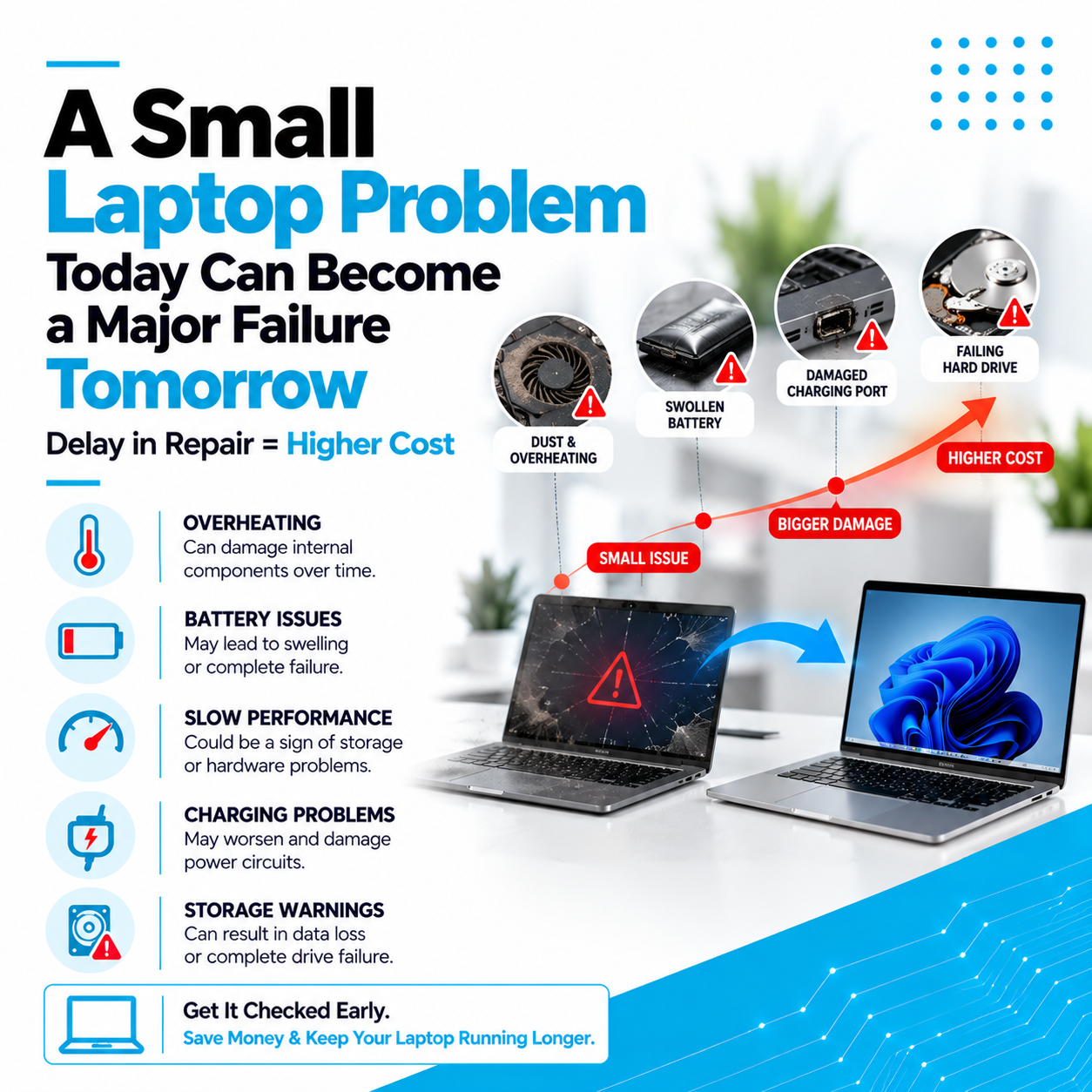
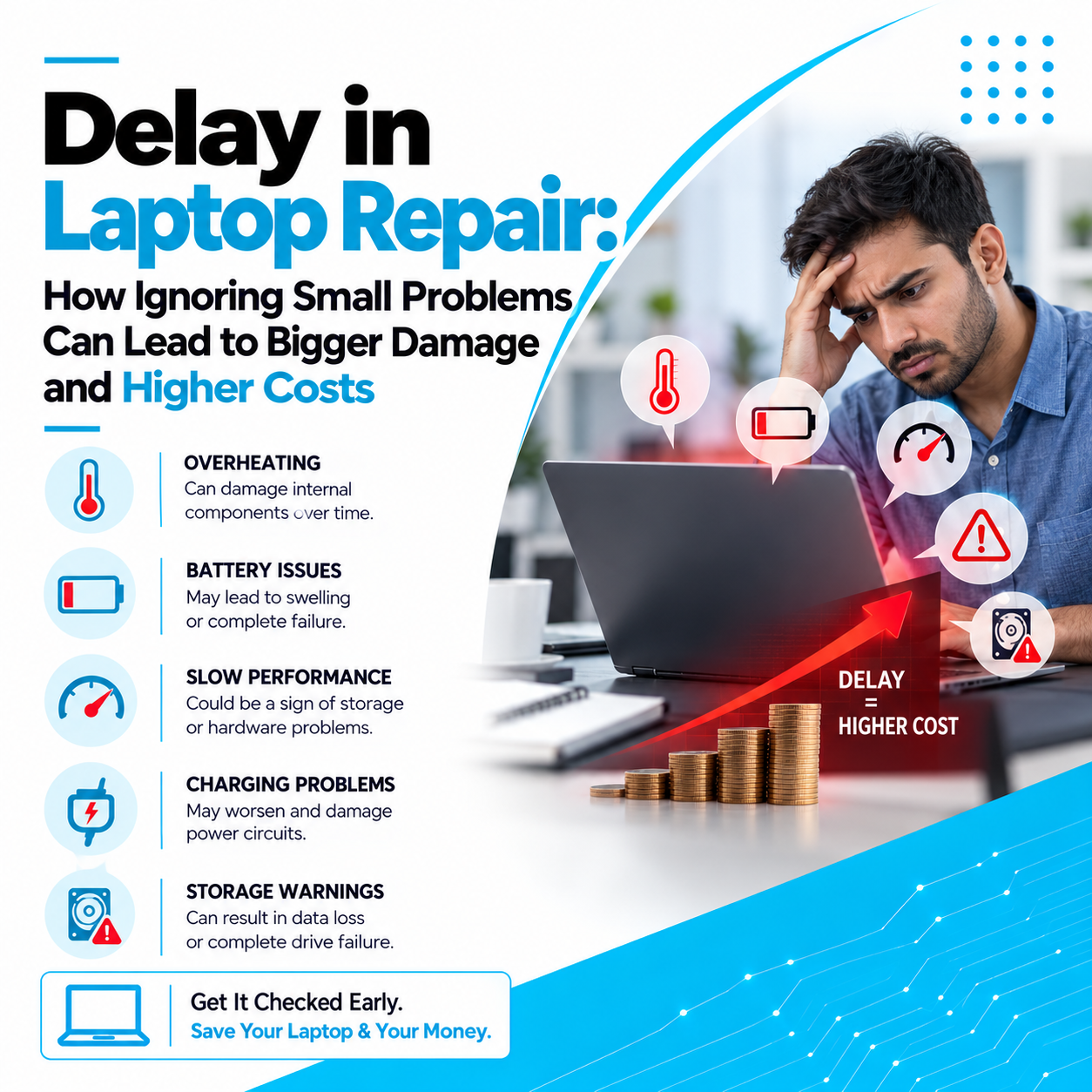
Sometimes slow performance is caused by overheating, dust buildup, software problems, or failing components rather than outdated hardware.
Professional diagnosis can identify whether servicing, repairing, or upgrading the laptop is worthwhile.
When Is Upgrading the Better Choice?
Consider upgrading when your laptop:
- Is physically in good condition.
- Supports the software you need.
- Has a compatible SSD or RAM upgrade path.
- Does not have major motherboard problems.
- Can deliver sufficient performance after a reasonably priced upgrade.
Important: Upgrades cannot solve every performance problem. If the processor is outdated for your workload or the laptop has significant hardware damage, replacement may be more practical.
Option 3: Buying a Refurbished Laptop
Refurbished laptops are becoming an attractive option for people who want capable hardware without paying the full price of a comparable new device.
A refurbished laptop is a previously owned device that has undergone inspection, testing, and, where necessary, repair or component replacement before resale.
The exact refurbishment process varies by seller, so it is important to verify the device’s condition and warranty.
Benefits of Refurbished Laptops
- Lower Purchase Cost
Refurbished laptops are often priced below comparable new models, making them useful for budget-conscious buyers.
- Access to Business-Class Models
Refurbished inventories frequently include business-oriented laptop ranges such as Dell Latitude, HP EliteBook, and Lenovo ThinkPad.
These models can be suitable for office productivity, accounting, administration, and other professional tasks, depending on their specifications and condition.
- Suitable Performance for Everyday Work
A refurbished laptop with a capable processor, sufficient RAM, and SSD storage can handle many common tasks, including web browsing, office applications, online meetings, and business software.
- Reduced Electronic Waste
Extending the useful life of an existing computer can reduce the need for immediate replacement and help avoid premature electronic waste.
What Should You Check Before Buying a Refurbished Laptop?
Before purchasing, verify the following:
- Processor generation and performance.
- RAM and SSD capacity.
- Battery health and charging performance.
- Screen, keyboard, and port condition.
- Operating system compatibility.
- Seller warranty and return terms.
- Overall physical and functional condition.
At Laptop Hub, buyers can explore refurbished laptop options suited to different budgets and professional requirements.
New vs Upgraded vs Refurbished Laptop: Which Is Better?
Factor | New laptop | Upgraded laptop | Refurbished laptop |
Initial expense | Usually higher | Often lower if repairs are limited | Often lower than comparable new models |
Performance | Depends on selected specifications | Limited by existing hardware | Depends on model and configuration |
Warranty | Typically manufacturer-backed | Depends on components and service | Depends on seller |
Latest features | More likely available | Limited by original hardware | Depends on device generation |
Best suited for | Advanced needs and long-term replacement | Existing compatible laptops | Budget-conscious students and professionals |
There is no single option that works for everyone. The best value comes from matching the device to the actual workload.
Which Option Is Best for Students, Professionals, and Businesses?
For Students
Students commonly need laptops for online classes, research, assignments, presentations, and basic software.
A properly configured refurbished laptop can be a practical choice when budget is a priority.
Students studying animation, engineering, architecture, or other demanding subjects should check their course software requirements before purchasing.
For Working Professionals
Professionals using spreadsheets, presentations, video meetings, CRM platforms, and accounting applications may not need the latest premium laptop.
If their existing device is slow but otherwise suitable, an SSD or RAM upgrade may be sufficient.
A refurbished business laptop is another option when replacement is necessary.
For Graphic Designers and Video Editors
Creative professionals should prioritise the hardware requirements of their software.
A new or suitably configured refurbished workstation may be appropriate, depending on processor performance, GPU, RAM, storage, and display quality.
For Corporate Teams
Businesses purchasing multiple laptops should evaluate total cost rather than the price of one device.
A combination of repairs, upgrades, refurbished laptops, and rentals can help organisations manage IT budgets more effectively.
For temporary employees, events, training sessions, or short-term projects, laptop rental services may be more practical than purchasing additional devices.
How to Decide Whether to Repair, Upgrade, or Replace Your Laptop
Before spending money on a new laptop, ask yourself these questions:
- What is slowing down my laptop?
If the issue is limited to storage performance, insufficient RAM, overheating, or a repairable component, professional servicing may help.
- Does my laptop support my essential software?
Check processor, memory, graphics, and operating system requirements.
- How much will an upgrade or repair cost?
Compare the complete repair estimate against the price of a suitable replacement, including warranty and expected remaining lifespan.
- How long do I plan to use the laptop?
If your existing laptop can reliably support your work for the foreseeable future, upgrading may offer good value.
- Do I need the latest features?
If you require newer AI capabilities, advanced graphics, or hardware-specific security features, an older refurbished or upgraded device may not be sufficient.
Laptop Buying and Upgrade Solutions in Ahmedabad
With laptop prices under pressure, choosing the right device is more important than simply purchasing the newest model.
Laptop Hub in Ahmedabad offers solutions for different requirements, including:
- New and refurbished laptop options.
- Laptop repair and troubleshooting.
- SSD and RAM upgrade services.
- Chip-level laptop repair.
- Laptop rentals for businesses and temporary requirements.
Whether you are a student looking for an affordable computer, a professional considering an upgrade, or a business planning device purchases, comparing these options can help you make a more informed decision.
Frequently Asked Questions
1. Why are laptop prices rising in India in 2026?
Rising costs of components such as memory and storage, along with supply constraints and changing market demand, have contributed to laptop pricing pressures.
2. Is it better to upgrade an old laptop or buy a new one?
Upgrading can be cost-effective if the existing laptop is compatible, reliable, and capable of supporting your software. Replacement may be better if the device has major hardware limitations or expensive repairs.
3. Are refurbished laptops worth buying in 2026?
Yes, refurbished laptops can provide good value when they are properly tested, have suitable specifications, and include clear warranty terms.
4. Can an SSD upgrade make an old laptop faster?
Yes. Replacing a traditional HDD with an SSD can significantly improve startup speed, application loading, and general responsiveness on a compatible laptop.
5. Where can I find refurbished laptops and laptop upgrade services in Ahmedabad?
Laptop Hub offers refurbished laptop options, laptop repair, and hardware upgrade services in Ahmedabad.
Conclusion: Spend Smarter, Not Necessarily More
Rising laptop prices do not mean every buyer must increase their budget.
A new laptop may be the right investment when you need modern hardware and advanced features. An SSD or RAM upgrade may extend the useful life of an existing device, while a properly selected refurbished laptop can offer capable performance at a more accessible price.
The smartest decision is to evaluate your workload, device condition, compatibility, warranty, and total cost before spending.
Looking for a cost-effective laptop solution in Ahmedabad? Explore Laptop Hub’s new and refurbished laptops, professional repair services, and hardware upgrade options to find a device that meets your needs without unnecessary spending.