
When a laptop starts becoming slow, its battery weakens, or a component stops working, many users immediately consider purchasing a new machine. Sometimes replacement is necessary, but in many cases, the existing laptop may still have years of useful life left.
One reason consumers make unnecessary purchases is that they rely on familiar dealers or retailers who primarily sell new devices. Some sales recommendations may naturally favour replacement because new-device sales are their main business, and brand-related sales targets or incentives can also influence recommendations.
However, a laptop problem does not automatically mean you need a new laptop. A professional diagnosis can help determine whether repairing, upgrading or replacing the device is the most practical option.
At Laptop Hub, the objective should be to help customers make an informed decision based on the device’s actual condition, performance requirements and repair cost—not simply the appeal of buying something new.
1. Why Do People Replace Laptops Before They Need To?
Many laptop users assume that an older device is no longer worth maintaining. This can lead to replacement decisions before they understand the actual problem.
Common reasons include:
- Slow performance: Users may assume their laptop is outdated when an SSD or RAM upgrade could improve responsiveness.
- Battery problems: A weak battery can often be replaced without replacing the entire laptop.
- Software issues: Operating system errors, unnecessary applications or outdated drivers can affect performance.
- Minor hardware failures: A faulty keyboard, charging port, cooling fan or other replaceable component may be repairable.
- Sales recommendations: When a seller primarily deals in new machines, replacement may be presented before repair alternatives are fully explored.
The right decision starts with identifying the root cause of the problem.
2. Are You Getting Advice Based on Your Needs or a Sales Target?
Many consumers trust the computer dealer they have known for years. That trust is valuable, but it is still important to understand the dealer’s business model.
A retailer focused mainly on selling new laptops may have limited commercial incentive to recommend a repair or upgrade when a new-device sale is available. Brand partnerships, promotional schemes and sales targets can also influence which products are promoted.
This does not mean every dealer gives unsuitable advice. Many provide genuine guidance. However, customers should compare recommendations and understand all available options before making an expensive purchase.
Before replacing your laptop, ask:
- What exactly has failed?
- Can the faulty component be repaired or replaced?
- Would an SSD or RAM upgrade solve the performance problem?
- What is the total repair cost compared with buying another device?
- How much useful life can reasonably be expected after the repair?
A clear diagnosis and itemised estimate make it easier to compare options objectively.
3. Repairing Your Laptop Can Be More Economical Than Buying New
A new laptop involves more than its purchase price. Depending on your situation, you may also need to transfer files, reinstall software, configure applications and replace accessories or adapters.
Repairing an existing laptop can avoid many of these expenses.
Here are some common examples:
Slow laptop performance
A laptop that takes too long to start or struggles with everyday applications may benefit from an SSD upgrade, a suitable RAM upgrade, software troubleshooting or internal cleaning.
Weak battery
If the laptop otherwise works properly, replacing the battery may be more sensible than purchasing an entirely new machine.
Charging problems
A faulty adapter, charging port or power-related component may be responsible. Diagnosis is necessary before concluding that the laptop is beyond repair.
Overheating
Dust accumulation, blocked vents, fan problems or degraded thermal material can cause overheating. Professional servicing may help restore appropriate cooling performance.
Motherboard issues
Some motherboard faults can be repaired at component level. Others involve extensive damage and may make replacement more practical. A technician should assess the fault and cost before recommending either option.
The key principle is simple: repair the problem that exists instead of replacing the entire machine without checking the alternatives.
4. Regular Laptop Maintenance Helps Prevent Bigger Problems
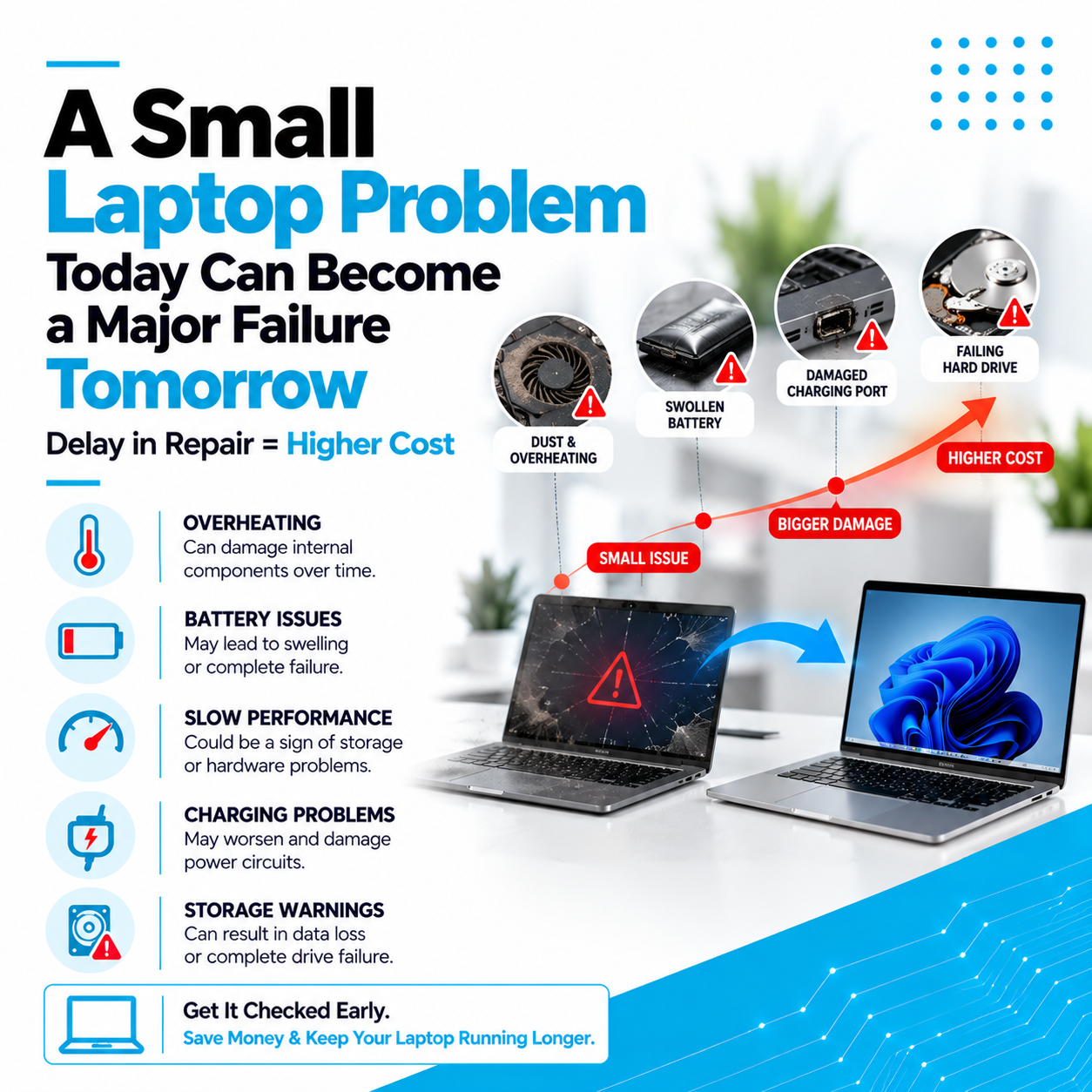
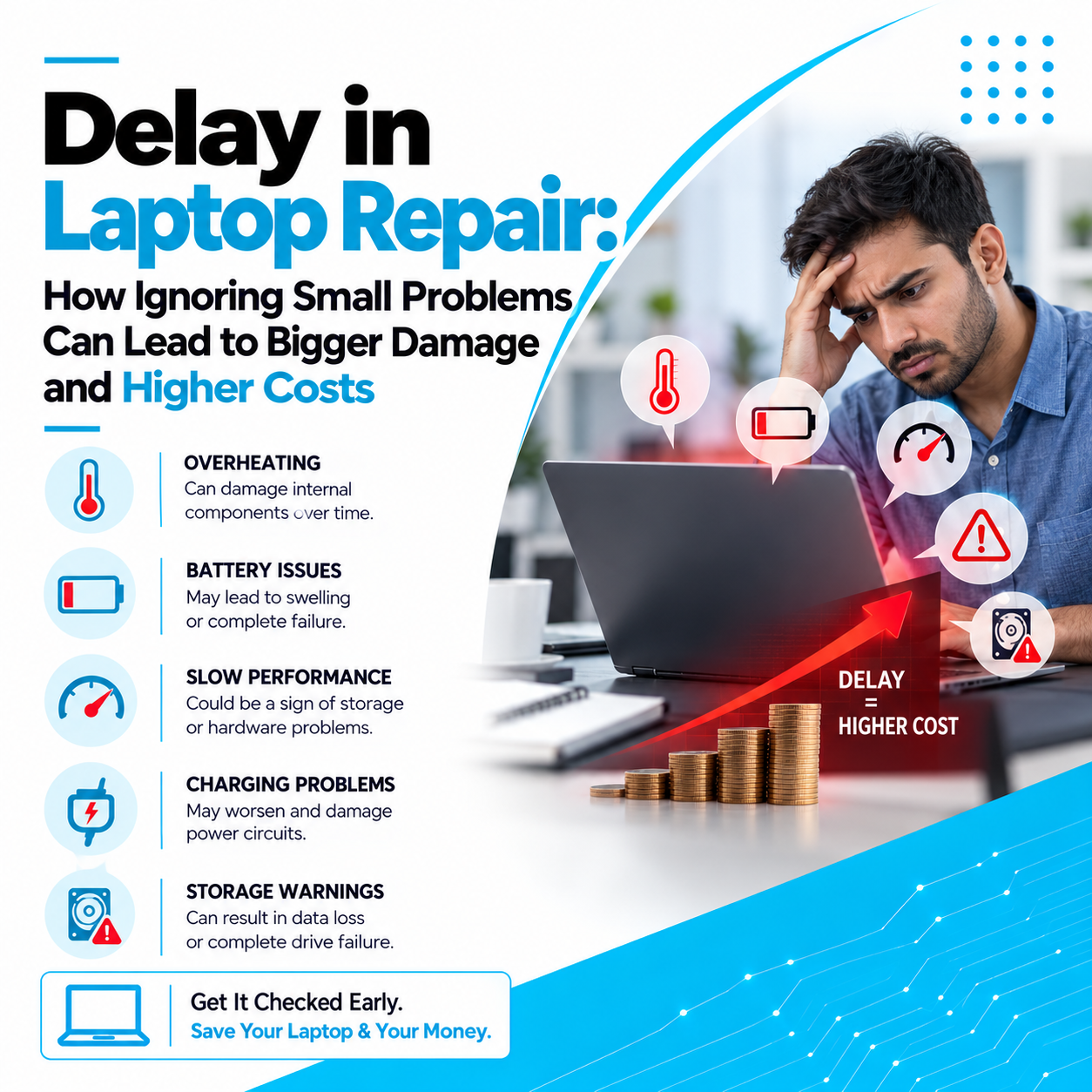
Waiting until a laptop stops working can turn a manageable issue into a more expensive repair.
For example, persistent overheating should not be ignored. Continued operation under unsuitable thermal conditions can affect performance and may contribute to hardware damage. Similarly, a damaged charging connection, liquid exposure or unusual electrical behaviour deserves prompt attention.
Regular maintenance can help identify issues early.
Consider these habits:
- Keep ventilation openings clear and use the laptop on a suitable surface.
- Get the cooling system inspected if the device overheats or its fan behaves unusually.
- Monitor battery condition and investigate sudden battery-life changes.
- Keep important files backed up.
- Install supported software and security updates.
- Address unusual noises, charging failures or repeated shutdowns promptly.
- Have hardware faults diagnosed instead of repeatedly restarting or forcing the device to operate.
Maintenance cannot prevent every failure, but early diagnosis can reduce the risk of avoidable damage and help you plan expenses.
5. Upgrade Your Existing Laptop Instead of Replacing It
Sometimes the laptop hardware is still functional, but its specifications no longer suit your workload. An upgrade may provide a practical middle ground between keeping a slow device unchanged and buying a new one.
Problem | Possible solution |
Slow startup and loading | SSD upgrade, if supported |
Slow multitasking | RAM upgrade, if supported |
Short battery life | Battery replacement |
Overheating | Cooling-system inspection and servicing |
Keyboard or charging-port fault | Component repair or replacement |
Software-related slowness | Diagnosis, cleanup or software troubleshooting |
Not every laptop supports every upgrade. Compatibility, component availability, operating-system support and the device’s overall condition must be checked first.
For example, upgrading storage may significantly improve responsiveness on a laptop using a mechanical hard drive, but it will not automatically solve every issue caused by an old processor, limited memory or failing hardware.
6. When Is Buying a New or Refurbished Laptop the Better Choice?
Repair is not always the best answer. Replacement may be sensible when the device has extensive damage, critical components are unavailable, repair costs are disproportionately high, or the laptop cannot meet your current workload or software requirements.
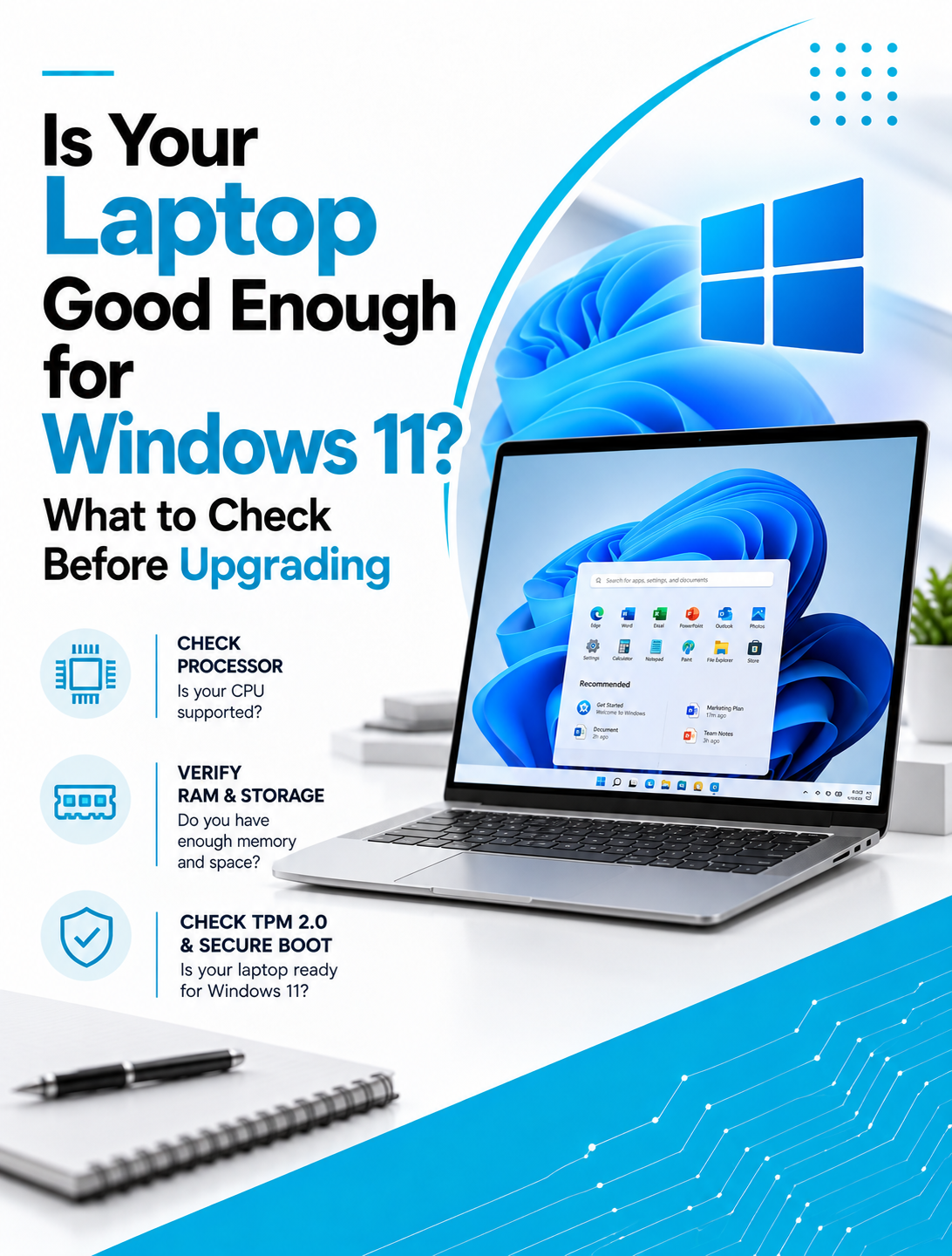
You should also consider replacement if the machine no longer receives necessary security updates and cannot run a supported operating system suitable for your needs.
When replacement is justified, you do not necessarily have to purchase a brand-new laptop. A professionally tested refurbished laptop can be an alternative for users who need dependable performance at a lower purchase cost.
The decision should consider:
- Total repair or purchase cost
- Required applications and performance
- Operating-system and security support
- Expected remaining service life
- Warranty and after-sales support
- Reliability and condition of the available device
The goal is not to repair every laptop indefinitely. It is to avoid spending money on replacement when a suitable, cost-effective solution already exists.
7. How Laptop Hub Can Help You Make the Right Decision
Before committing to a replacement, consider getting your existing laptop assessed by a service provider that offers repair and upgrade options alongside device sales.
Laptop Hub provides laptop repair services, hardware troubleshooting, SSD and RAM upgrades, and laptop sales, including refurbished options.
Depending on the device’s condition, an assessment can help you understand whether to:
- Repair the existing laptop.
- Upgrade its storage or memory.
- Replace a faulty battery or other component.
- Consider a refurbished business laptop.
- Invest in a new machine when the existing one no longer meets your needs.
A suitable recommendation should be based on the actual fault, compatibility, expected performance and overall cost.
Frequently Asked Questions
Is repairing an old laptop worth it?
It can be worthwhile when the fault is limited, compatible parts are available and the repair cost is reasonable compared with replacement. A professional diagnosis helps establish whether repair makes financial sense.
Should I buy a new laptop if my current laptop is slow?
Not necessarily. Software issues, an ageing hard drive, insufficient RAM or other correctable problems may be responsible. Identify the cause before deciding to replace the machine.
Can upgrading RAM or an SSD extend a laptop’s life?
Yes, when the laptop supports the upgrade and its other components remain in good condition. An upgrade can improve performance and usability, although it cannot resolve every hardware or software limitation.
Why should I get my laptop checked early?
Early diagnosis can help identify developing problems before they cause additional damage. It also gives you more time to compare repair, upgrade and replacement costs.
Is a refurbished laptop a good alternative to a new one?
A properly tested refurbished laptop can offer good value when its specifications suit your requirements. Check its condition, battery health, warranty, operating-system support and seller’s service policy before purchasing.
Conclusion: Make an Informed Decision Before You Spend
Buying a new laptop can be the right decision—but it should not be the automatic response to every performance issue or hardware fault.
A laptop that is slow, overheating, experiencing battery problems or struggling with everyday tasks may still be repairable or suitable for an upgrade. Ignoring problems can increase costs, while replacing a machine without understanding the fault can lead to unnecessary spending.
Get the problem diagnosed, compare the available options and choose the solution that best fits your needs and budget.
Before investing in a new laptop, contact Laptop Hub to explore laptop repair, maintenance and upgrade options. If replacement is genuinely necessary, compare suitable refurbished and new devices before making your final decision.