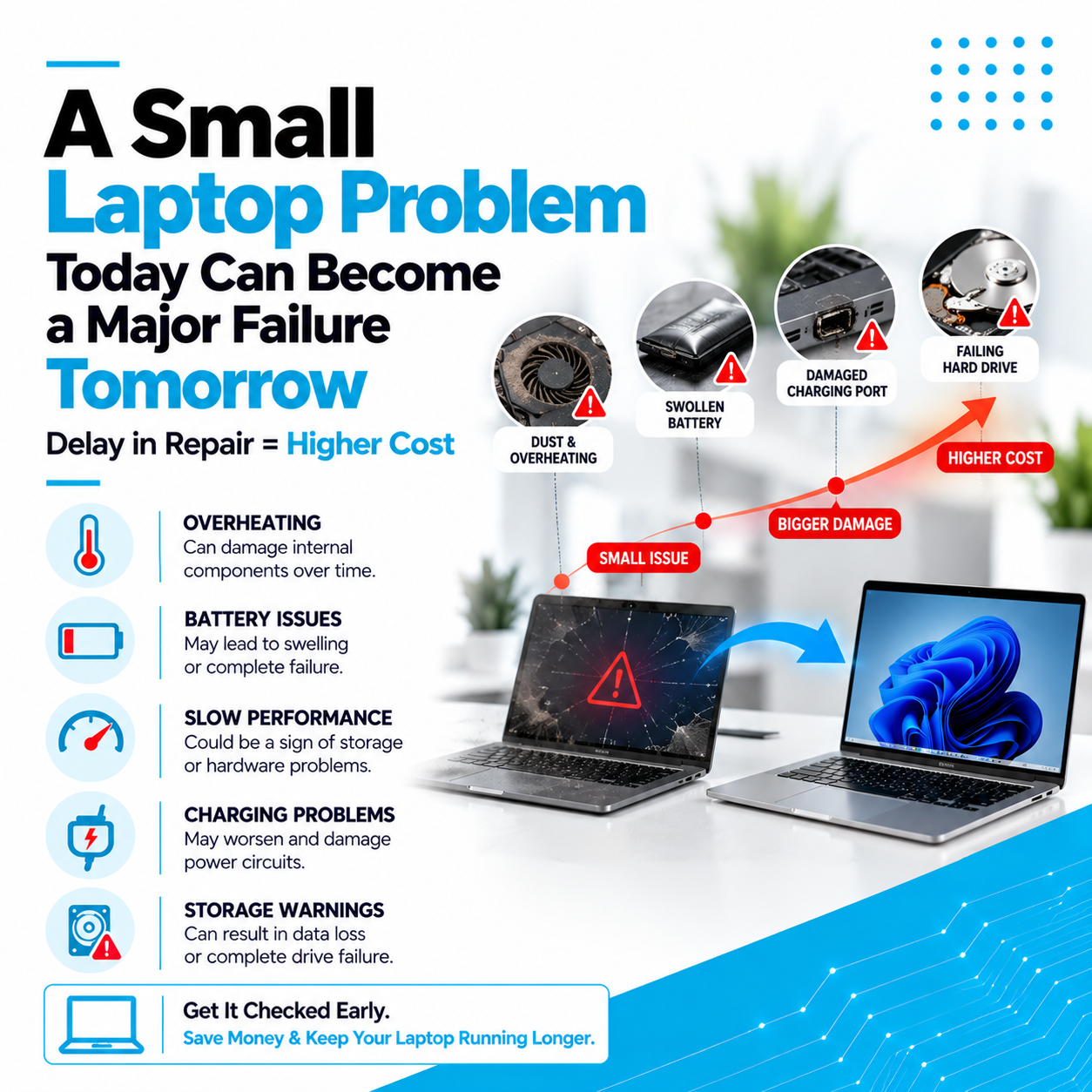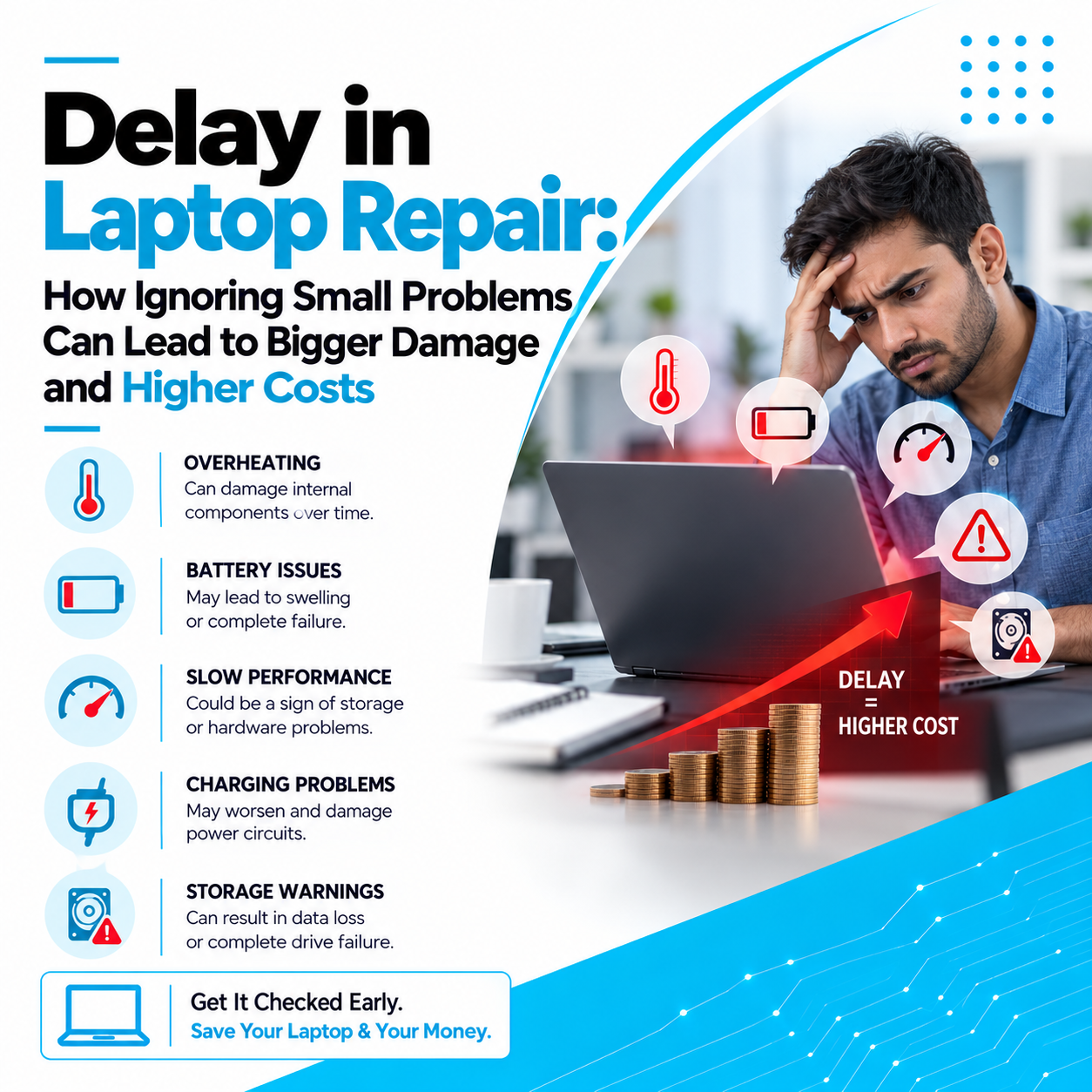
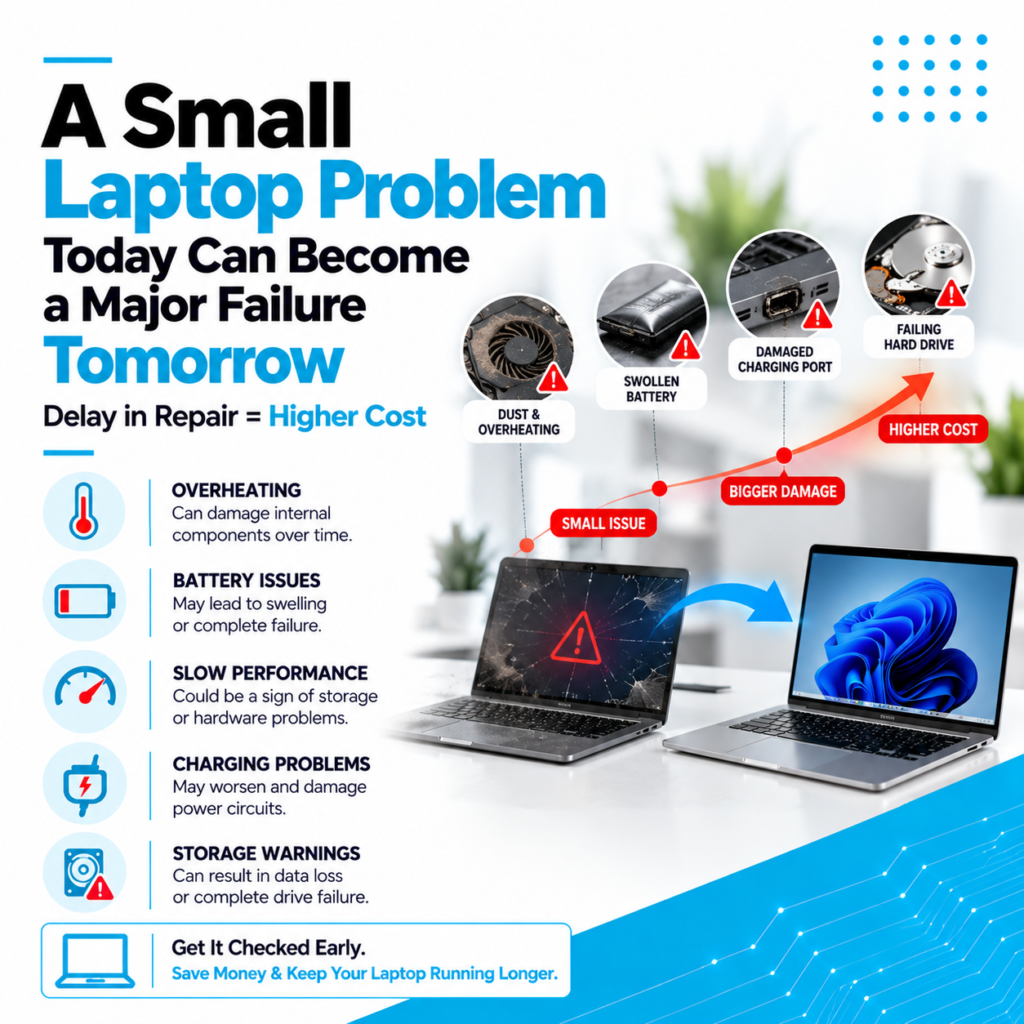
A laptop rarely becomes unusable without giving some warning signs. It may start running slowly, overheat during normal use, lose battery charge quickly, make unusual noises or occasionally shut down without warning.
Unfortunately, many users ignore these early symptoms. Some continue using the device until it stops working, while others postpone repairs because they believe the problem is minor or do not want to spend money immediately.
This delay can become an expensive mistake.
A problem that could have been resolved through routine servicing, a component replacement or a simple upgrade may eventually require more extensive repairs. In severe cases, the laptop may become uneconomical to repair or suffer permanent data loss.
The principle is simple: the longer you ignore a laptop problem, the greater the risk of additional damage and higher repair costs.
1. Why Do People Delay Laptop Repairs?
Most laptop users do not intentionally put their devices at risk. Delays often happen because the problem appears manageable at first.
Common reasons include:
- The laptop still works: Users continue working even when the device shows warning signs.
- Fear of repair expenses: People postpone diagnosis because they expect repairs to be expensive.
- Lack of technical knowledge: Users may not realise that overheating, unusual noises or repeated crashes can indicate a developing fault.
- Busy schedules: Students, professionals and business owners often delay servicing because they depend on their laptops every day.
- Temporary workarounds: Restarting the laptop, using a cooling pad or repeatedly reconnecting the charger may temporarily hide a symptom without resolving its cause.
Unfortunately, a temporary improvement does not necessarily mean the underlying issue has been fixed.
2. How a Small Laptop Problem Can Become a Major Repair
Different laptop problems carry different risks. Understanding them can help you recognise when professional attention is necessary.
Overheating and blocked cooling systems
Dust accumulation, blocked vents, fan failure or degraded thermal material can affect cooling performance.
When users continue running a laptop that repeatedly overheats, the system may throttle performance or shut down to protect itself. Prolonged operation under unsuitable thermal conditions can contribute to hardware damage.
What to do: Keep ventilation openings clear and arrange professional servicing if overheating continues, the fan behaves unusually or the device shuts down unexpectedly.
Battery swelling or battery failure
A battery that drains quickly may simply need assessment or replacement. However, a swollen battery is a more serious warning sign.
Continuing to use or charge a swollen battery can create safety risks and may damage the laptop’s casing, trackpad or other nearby components.
What to do: Stop using and charging the laptop if the battery appears swollen. Do not press, puncture or attempt to remove it yourself unless you are qualified to do so safely. Arrange professional service.
Charging-port and power problems
A loose charging connection, damaged cable or intermittent power supply can appear to be a minor inconvenience.
Repeatedly forcing a connector or continuing to use damaged charging equipment may worsen the problem. The actual fault could involve the adapter, charging port or internal power circuitry.
What to do: Stop using visibly damaged accessories and get the power issue diagnosed instead of repeatedly adjusting the connector.
Slow performance and storage problems
A slow laptop may have a software issue, insufficient memory, a failing hard drive or another hardware limitation.
Ignoring storage warnings or unusual clicking sounds from a mechanical hard drive can increase the risk of data loss if the drive is failing.
What to do: Back up important files promptly if you suspect storage failure. Avoid unnecessary troubleshooting that could put the data at further risk, and seek professional diagnosis.
Liquid damage
A laptop exposed to water, tea, coffee or another liquid may appear to work initially. Corrosion and electrical faults can develop later, depending on the liquid and the extent of exposure.
What to do: Disconnect power if safe, turn the device off and do not continue testing or charging it. Seek professional assessment as soon as possible.
3. Delay Means Higher Costs: Understanding the Financial Impact
Repair costs depend on the laptop model, the damaged components, parts availability and labour involved. There is no universal rule that every delayed repair becomes more expensive, but postponing a developing fault can increase the chance of additional damage.
Consider these examples:
Early warning sign | Risk of ignoring it | Possible outcome |
Overheating | Cooling fault remains unresolved | More extensive thermal or hardware problems |
Battery draining quickly | Battery condition deteriorates | Battery replacement becomes necessary |
Loose charging connection | Continued use worsens the connection | Charging-port or power-circuit repair |
Storage errors | A failing drive continues to be used | Data recovery or storage replacement |
Unusual fan noise | Mechanical fault remains unresolved | Fan failure and overheating |
Liquid exposure | Corrosion or electrical damage develops | More extensive board-level repair |
The most expensive outcome is not always the repair itself. It may include lost work, business downtime, missed deadlines, data recovery and the cost of arranging a replacement device at short notice.
For businesses operating several laptops, even a small number of unexpected failures can disrupt operations and increase support expenses.
4. Warning Signs You Should Never Ignore
Arrange a laptop inspection when you notice any of the following:
- The laptop becomes unusually hot during ordinary tasks.
- The fan makes grinding, rattling or other unfamiliar noises.
- The device shuts down or restarts repeatedly.
- The battery percentage drops unusually quickly.
- The charging connection works intermittently.
- You see storage errors or experience repeated file-access failures.
- The screen flickers, shows artefacts or goes blank unexpectedly.
- The keyboard, trackpad or casing becomes raised due to possible battery swelling.
- The laptop has been exposed to liquid.
Not every symptom indicates a serious fault. However, identifying the cause early gives you a better opportunity to address it before the problem escalates.
5. Why Professional Diagnosis Matters
Trying random fixes or repeatedly restarting a malfunctioning laptop may waste time without addressing the actual problem.
A professional technician can inspect the device, identify the likely cause and recommend a solution based on its condition.
Depending on the issue, this may involve:
- Internal cleaning and cooling-system servicing.
- Battery, fan, keyboard or charging-port replacement.
- SSD or RAM upgrades where compatible.
- Operating-system and software troubleshooting.
- Motherboard diagnostics and chip-level repair where appropriate.
- Component replacement when repair is not technically or financially practical.
The aim should be to fix the underlying issue—not simply make the symptom disappear temporarily.
Before approving a repair, ask for an explanation of the fault, the estimated cost, the parts involved and any applicable warranty.
6. Can Timely Maintenance Extend Your Laptop’s Life?
Regular maintenance helps keep a laptop in suitable working condition and can identify developing issues before they cause significant disruption.
A practical maintenance routine includes:
Keep the laptop clean. Avoid blocking ventilation openings and have internal dust cleaned when needed.
Monitor performance. Investigate persistent slowdowns, repeated crashes and unusual noises rather than assuming they are normal for an older device.
Protect the battery. Follow the manufacturer’s charging and storage guidance. Arrange an inspection if the battery becomes swollen or behaves abnormally.
Back up important data. Maintain a backup of essential files so a hardware failure does not automatically become a data-loss disaster.
Install supported updates. Keep the operating system and applications updated, and use an operating system that still receives security support.
Schedule servicing when necessary. Service intervals depend on the laptop’s environment, usage and condition. Devices exposed to dust or heavy workloads may need attention more frequently.
Maintenance cannot prevent every fault, but it can help you manage risks and avoid some preventable problems.
7. Repair, Upgrade or Replace: What Is the Right Decision?
Early diagnosis does not mean that every laptop should be repaired. The best option depends on the fault, the device’s age, compatibility, performance requirements and the overall cost.
- Repair: Suitable for many isolated hardware faults when parts are available and the cost is reasonable.
- Upgrade: An SSD or RAM upgrade may improve performance when the laptop supports it and the existing hardware remains serviceable.
- Replace a component: A battery, fan, keyboard or charging port may be replaceable without purchasing another laptop.
- Replace the laptop: More appropriate when damage is extensive, essential parts are unavailable, repair costs are disproportionate or the device cannot meet current software and security requirements.
For older devices, compare the estimated repair cost with the cost of a suitable refurbished or new laptop. The goal is to make a financially sensible decision rather than spending money unnecessarily.
8. Laptop Repair and Maintenance Services at Laptop Hub
Laptop Hub provides laptop repair services, hardware troubleshooting, chip-level repair and SSD or RAM upgrade solutions.
Whether your laptop is overheating, running slowly, experiencing charging problems or showing signs of hardware failure, a professional assessment can help identify the cause and determine the available options.
Instead of waiting until the device stops working completely, get persistent warning signs checked early. If repair is possible, timely action may help you avoid unnecessary replacement expenses. If replacement is the better option, a clear diagnosis helps you make that decision with greater confidence.
Frequently Asked Questions
Can delaying laptop repair increase the cost?
Yes, it can. If an unresolved fault causes additional component damage, the repair may become more complicated. The outcome depends on the original problem and how it develops.
Is it safe to keep using an overheating laptop?
Occasional warmth can be normal, but repeated overheating, unexpected shutdowns or unusual fan behaviour should be investigated. Stop using the device if it shows signs of a battery safety issue or electrical damage.
Should I repair my laptop or buy a new one?
Compare the diagnosis, repair estimate, device condition, expected remaining life and your performance requirements. Repair or upgrading may be economical for a serviceable laptop, while replacement can be sensible for extensive damage or unsupported hardware.
How often should I service my laptop?
There is no single interval for every device. Consider the manufacturer’s guidance, usage intensity and environment, and arrange servicing when performance, cooling or hardware symptoms indicate a need.
Can chip-level repair save a laptop with motherboard damage?
In some cases, yes. Certain component-level faults can be repaired without replacing the entire motherboard. However, feasibility depends on the exact damage, component availability and repair cost.
Conclusion: Do Not Wait Until a Small Problem Becomes an Expensive One
A slow laptop, overheating fan, weak battery or intermittent charging connection may seem like a minor inconvenience. Ignoring it, however, can increase the risk of downtime, additional damage and higher expenses.
The smarter approach is to recognise warning signs, back up important data, seek professional diagnosis and compare repair, upgrade and replacement options before the situation becomes urgent.
Delay can cost more. Early diagnosis gives you a better chance of protecting both your laptop and your budget.
If your laptop is showing signs of trouble, contact Laptop Hub to explore suitable repair, servicing and upgrade options before committing to a replacement.